From orbit.
To your sky.
P-Track is a satellite tracker for iPhone and iPad, with an Apple Watch companion. Follow the ISS and Tiangong, predict passes, and find satellites in your sky.
Version 1.1.1 released · U.S. and Canada
ISS and Tiangong observing is free. More satellites with Pro. See what’s new.
Track · Find · Get reminded
Clearer passes.
Smoother exploring.
Released October 17, 2026. Update P-Track through the App Store to get the latest observing and exploration improvements.
Overhead and visible, explained.
The globe highlights the next overhead pass, while naked-eye visibility is shown separately. A daylight pass can be overhead even when the satellite is difficult to see.
Get to the details sooner.
Open a pass notification to reach its details sooner while the globe prepares in the background.
Keep the subject in view.
Spacecraft part explanations sit outside the model view. Earth allows 25% more zoom inward and outward, with limits that keep movement bounded.
Also improved: Explore catalog refresh when Pro access changes, Sun and Moon labels, and the ionosphere legend. Read the updated guide.
Choose a satellite.
Take it from there.
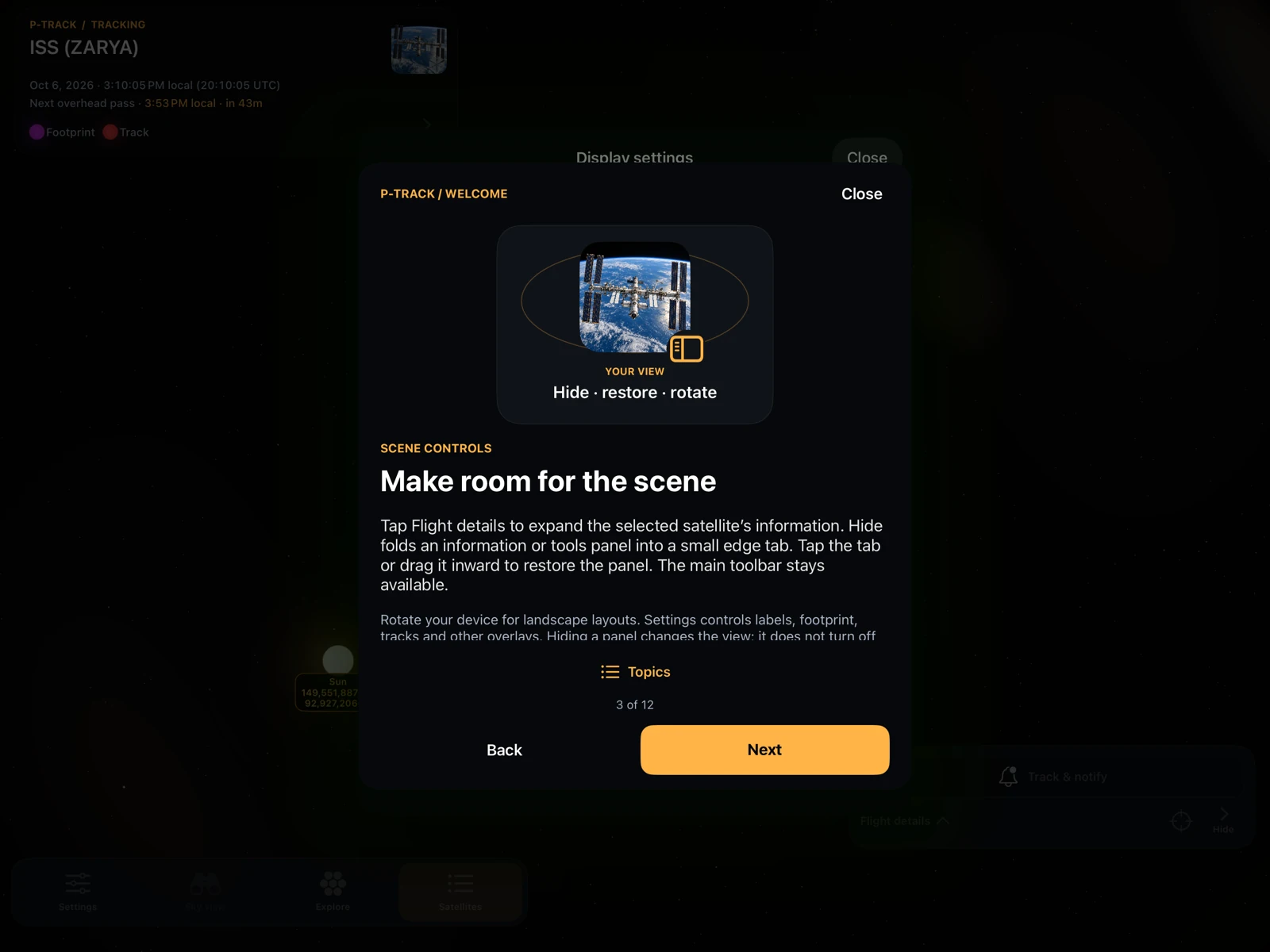
Start with a complete free station experience. An expanded welcome guide and simple shortcuts keep the next step close.
Follow the orbit.
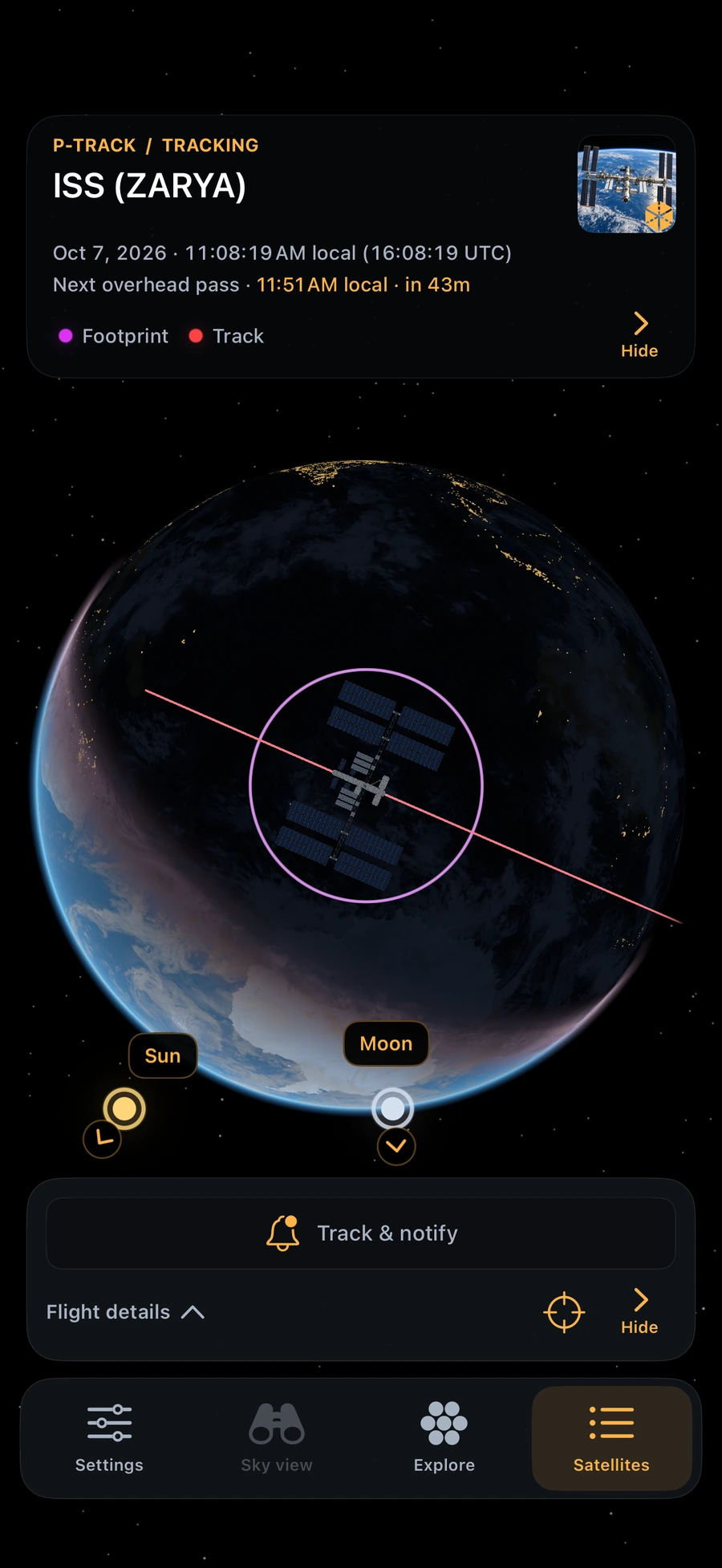
Explore a detailed Earth with atmosphere, clouds and city lights. Follow ground tracks and footprints, or open flight details for altitude, speed and position.
Know when to look.
Check rise, peak and set times in your local time. Overhead passes and estimated visible passes are clearly distinguished, with viewing explanations and matching countdowns.
Point toward the sky.
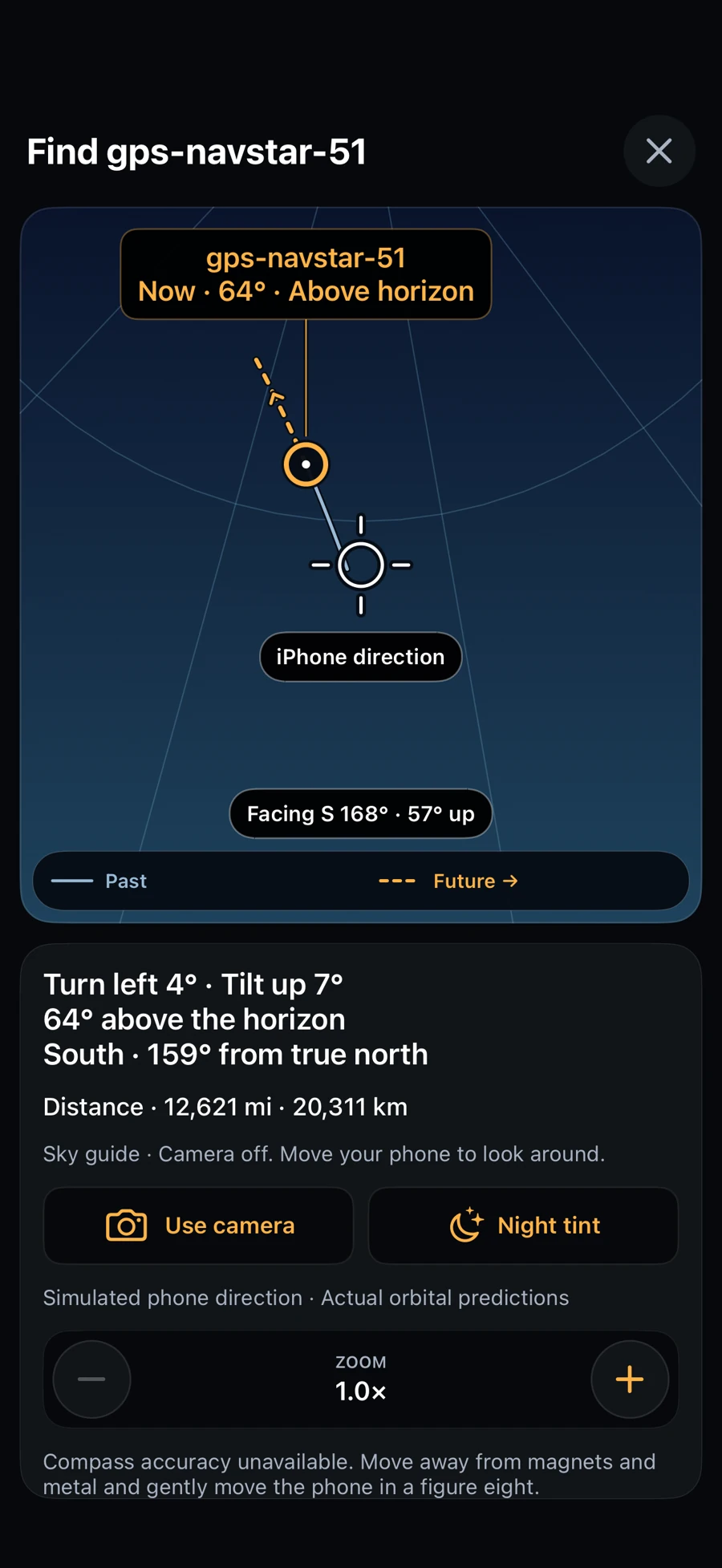
Sky Finder gives direction and tilt guidance, a horizon reference, and distinct past and future trails. Explore the virtual sky or turn on the optional camera overlay.
See what’s above you.
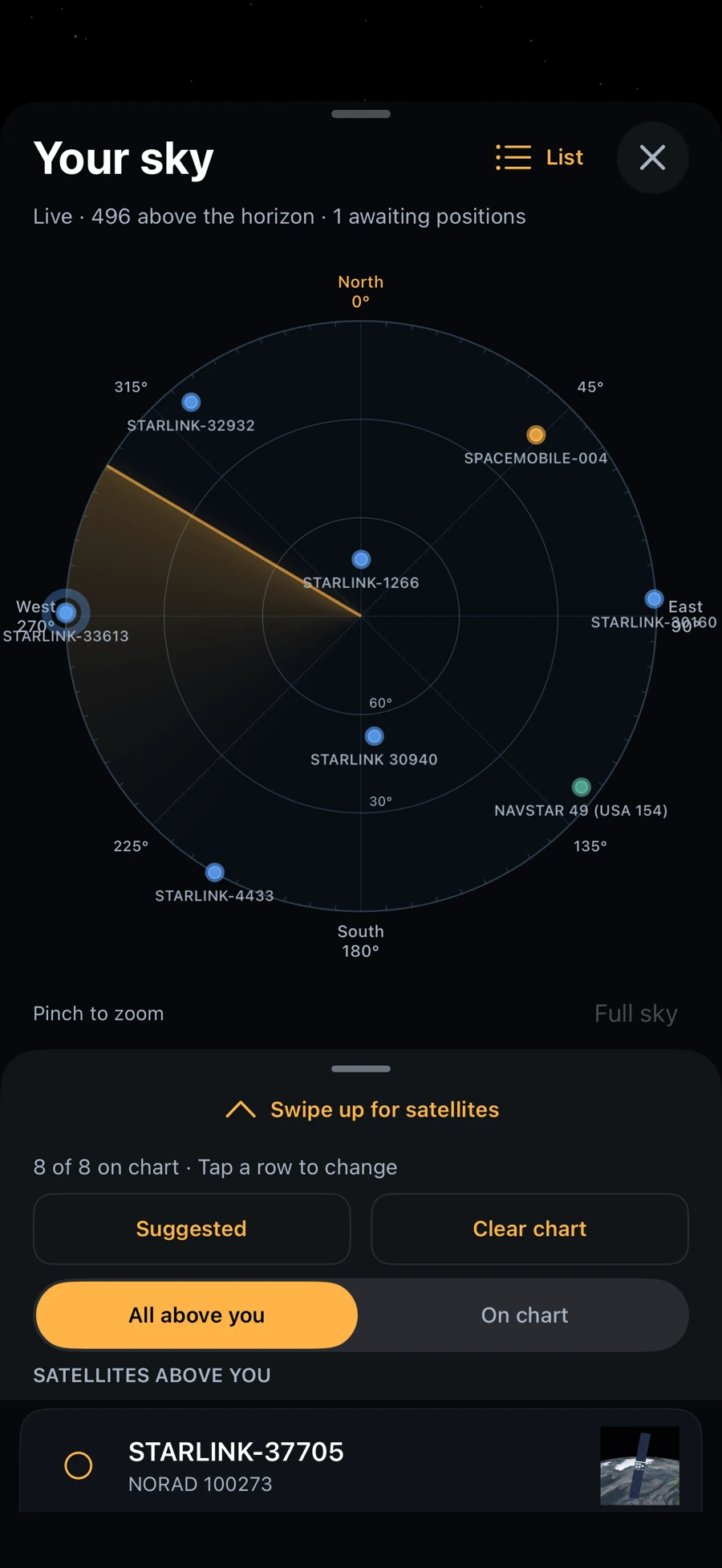
A sweeping radar shows supported satellites above your location. Pinch to zoom, choose your chart’s satellites, and open Sky Finder directly from a satellite card.
Make time to look up.
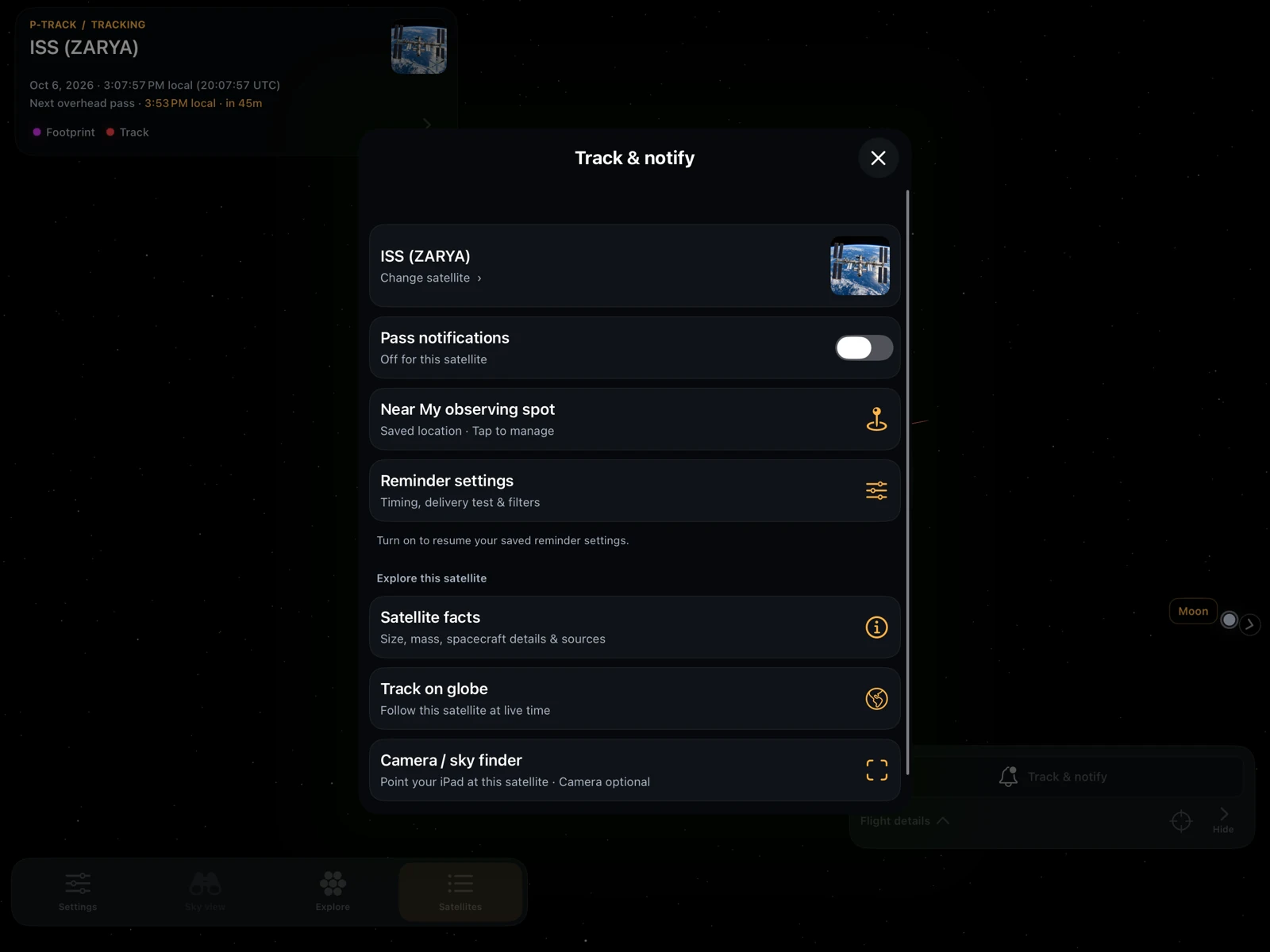
Track & notify puts satellite selection, tracking and recurring reminders together. Receive basic reminders 15 minutes before overhead passes, with optional cloud forecasts. Use station widgets and Live Activities on supported devices.
Keep exploring.
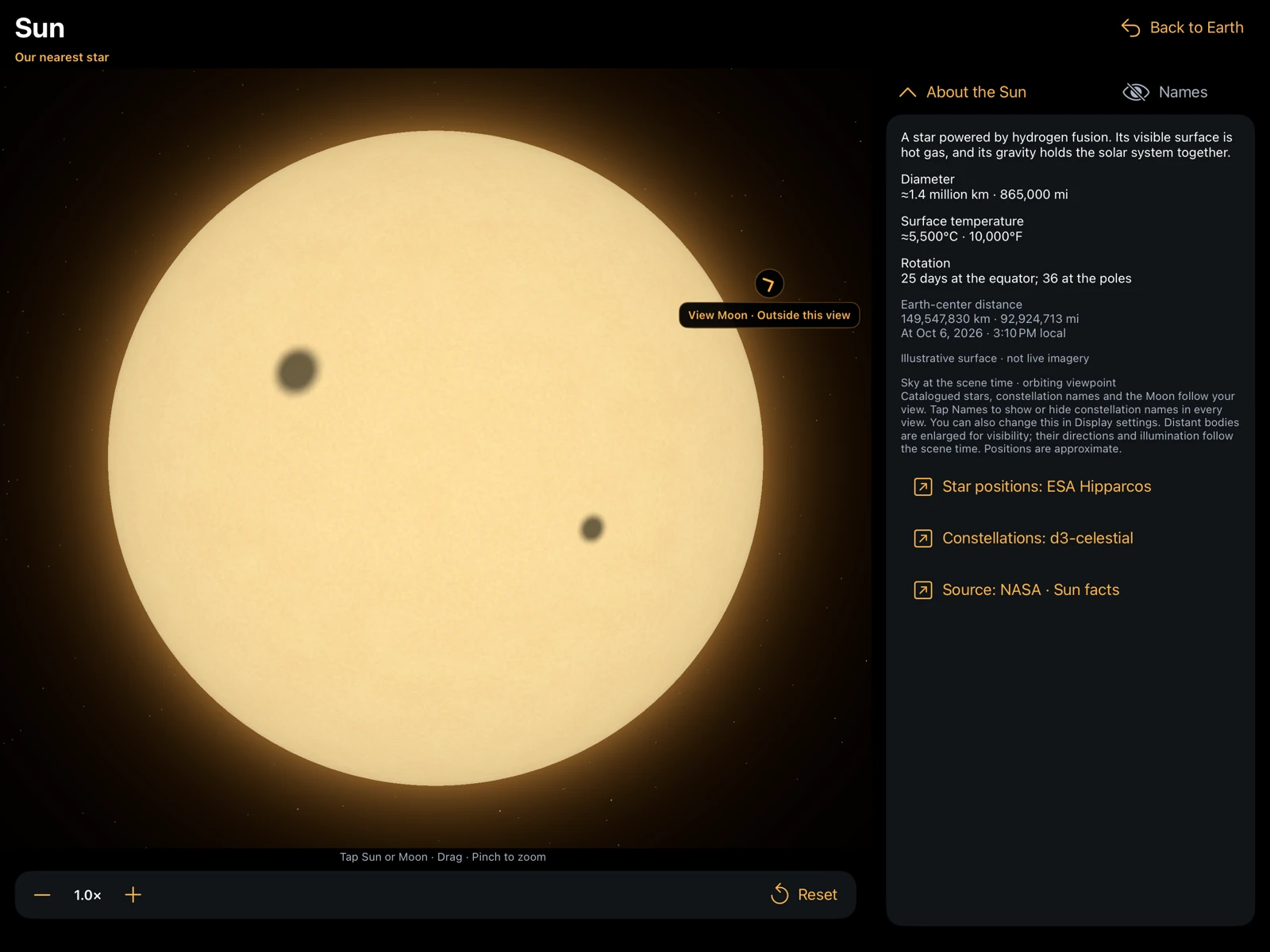
Search the catalog, browse launch information and groups, and explore satellites together. Discover the Sun, Moon and CODE/Bern ionosphere forecast, with adjustable opacity and labeled contours.
Camera frames are previewed only. Passes are calculated on your device. Optional cloud forecasts share approximate observing coordinates with P-Track’s API and MET Norway; exact saved coordinates and place names are not sent to the weather provider.
Explore your sky.
On your screen.
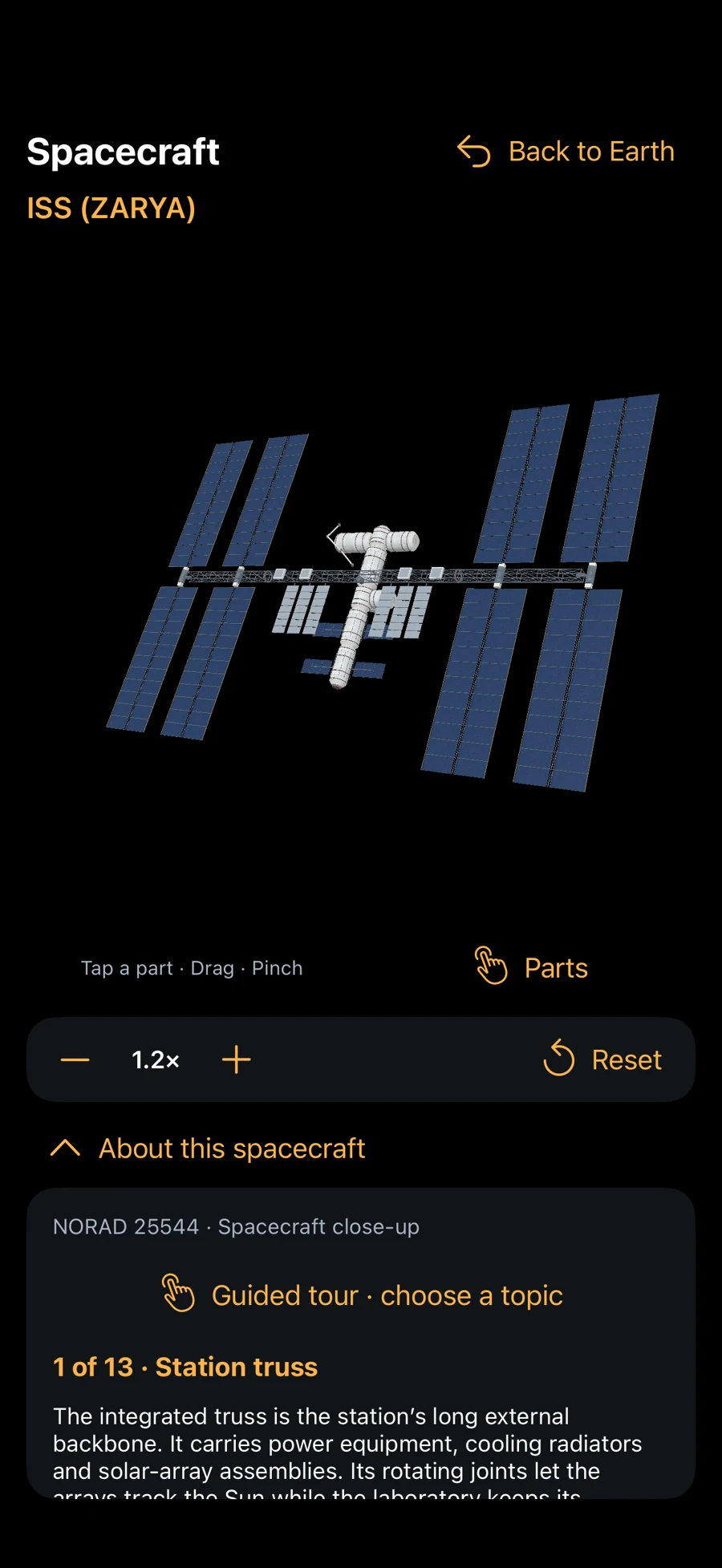
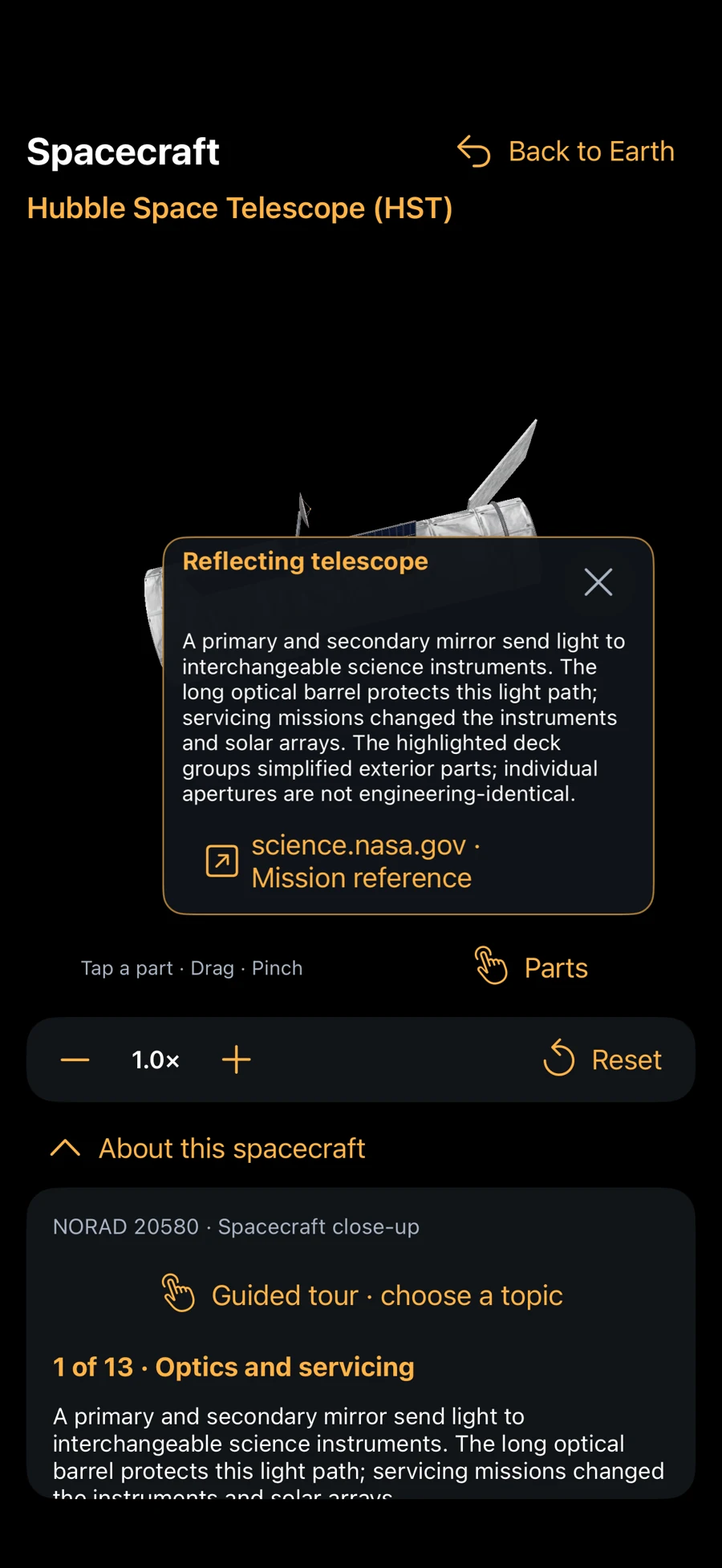
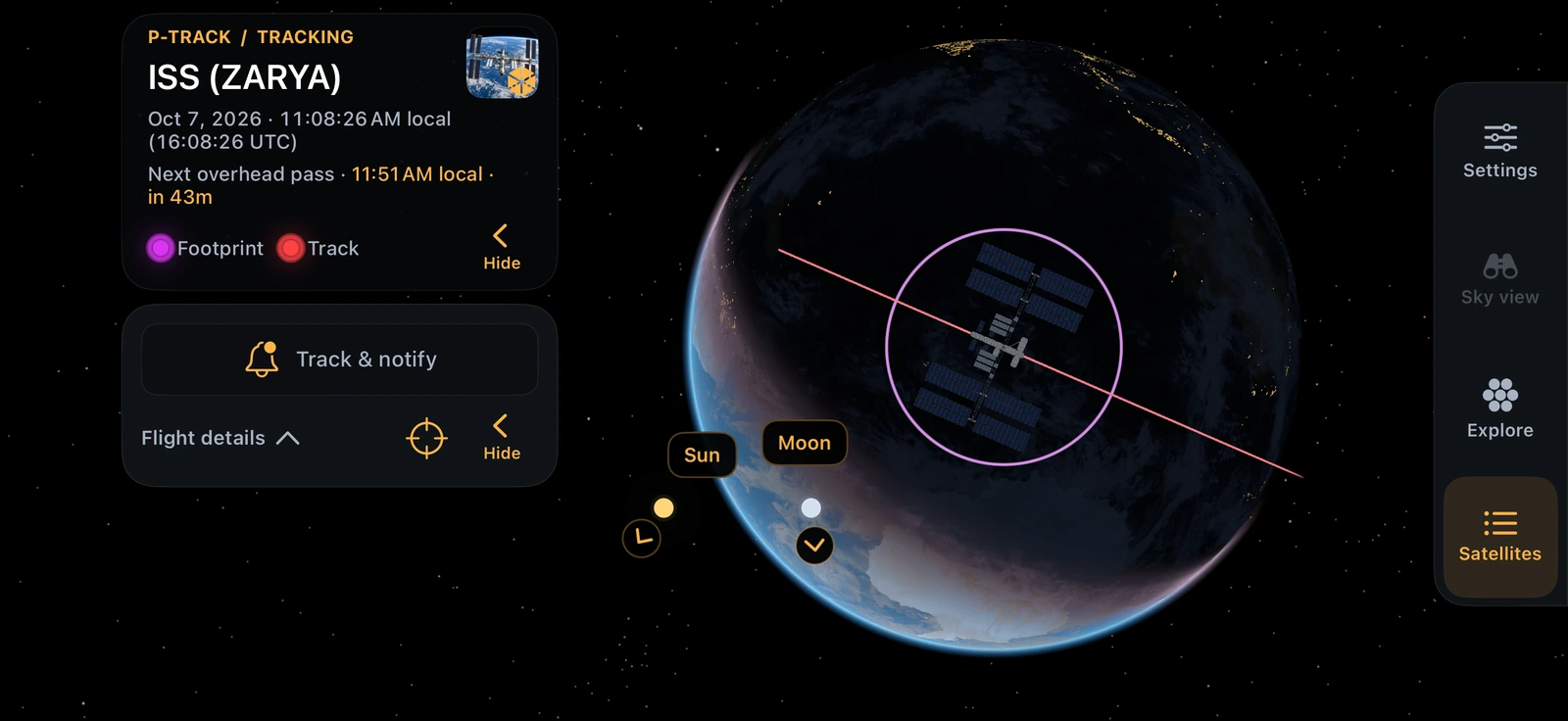
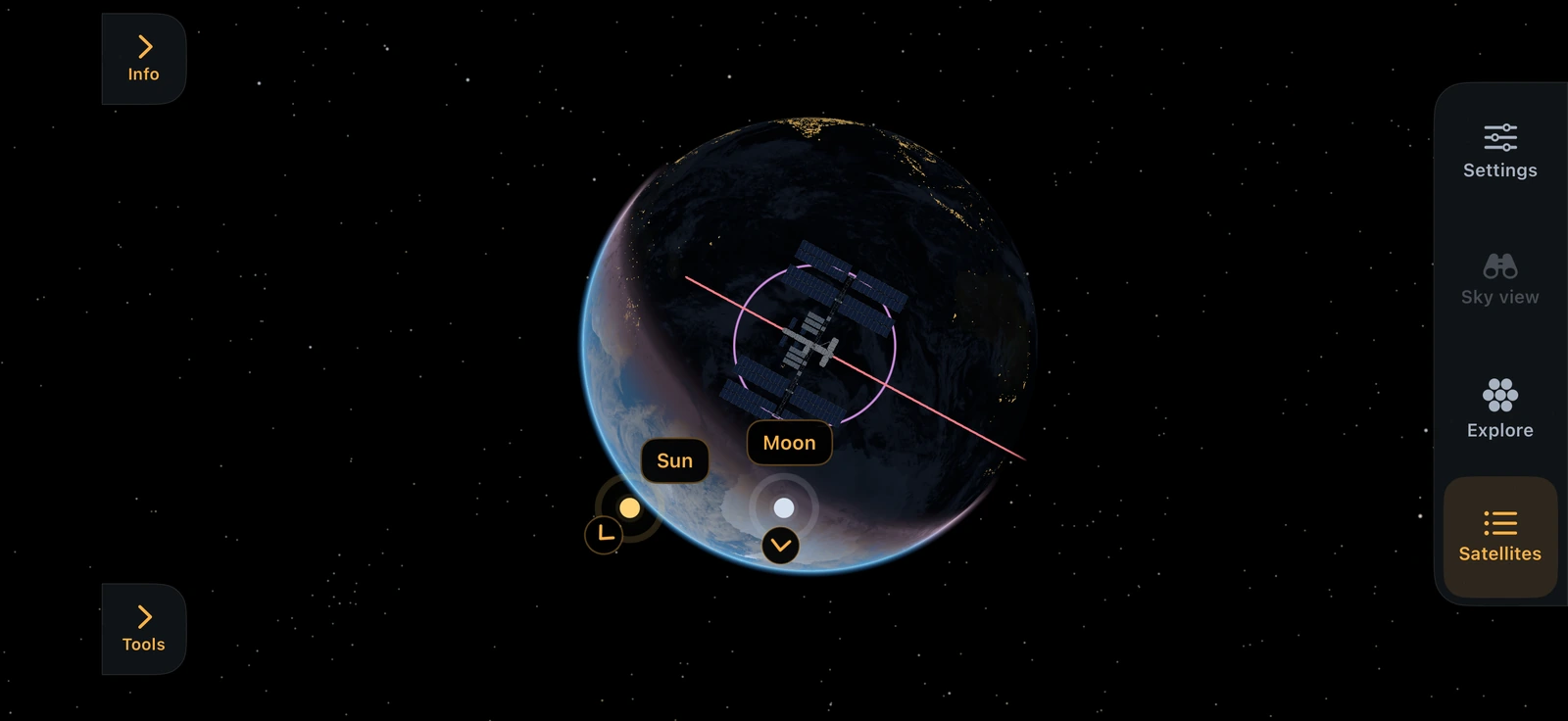
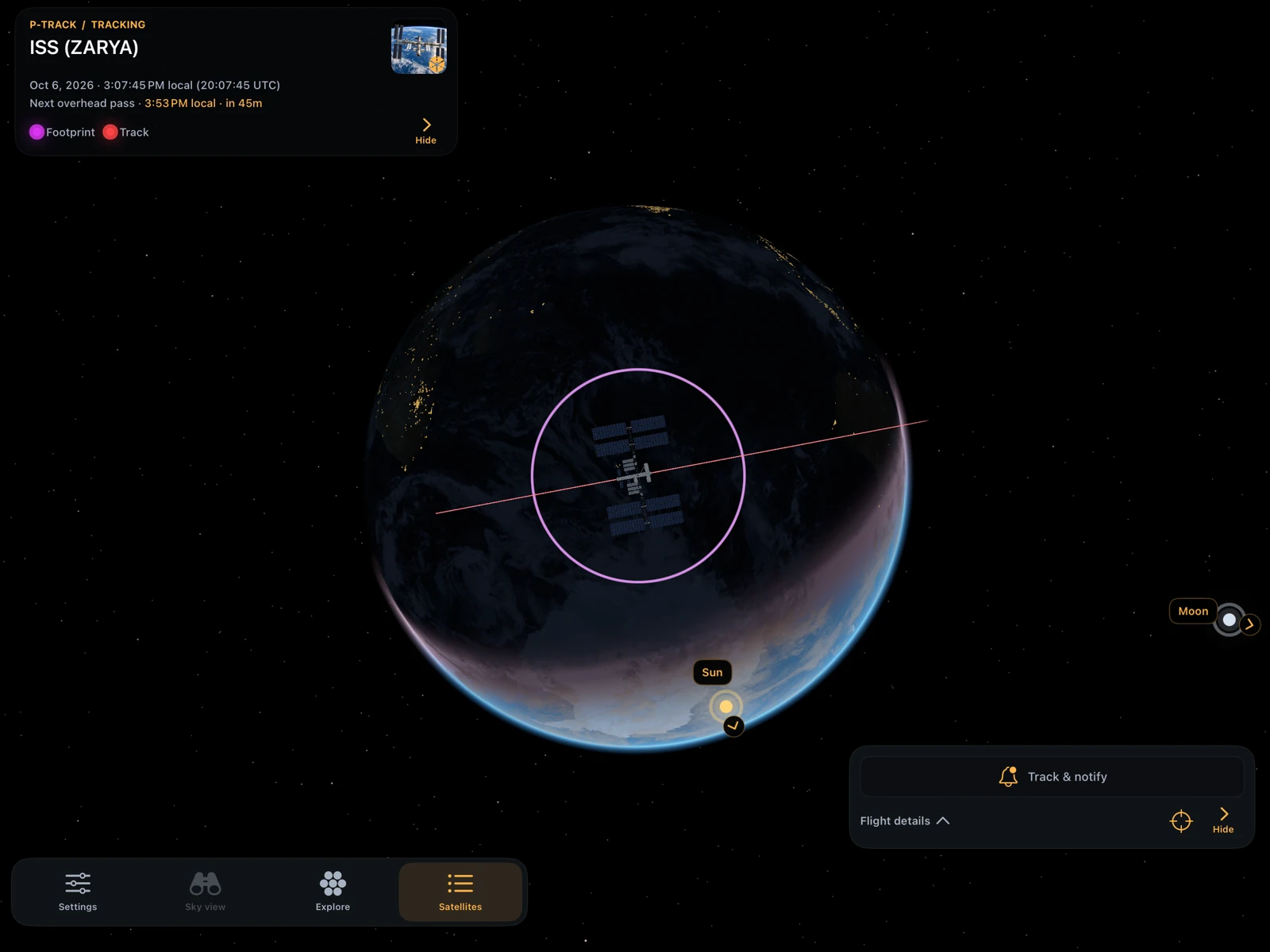
App screenshots from iPhone, iPad and Apple Watch. Open any screenshot for a closer look.
iPhone
Track a station, find your direction and explore sourced spacecraft models, the Sun and Moon.
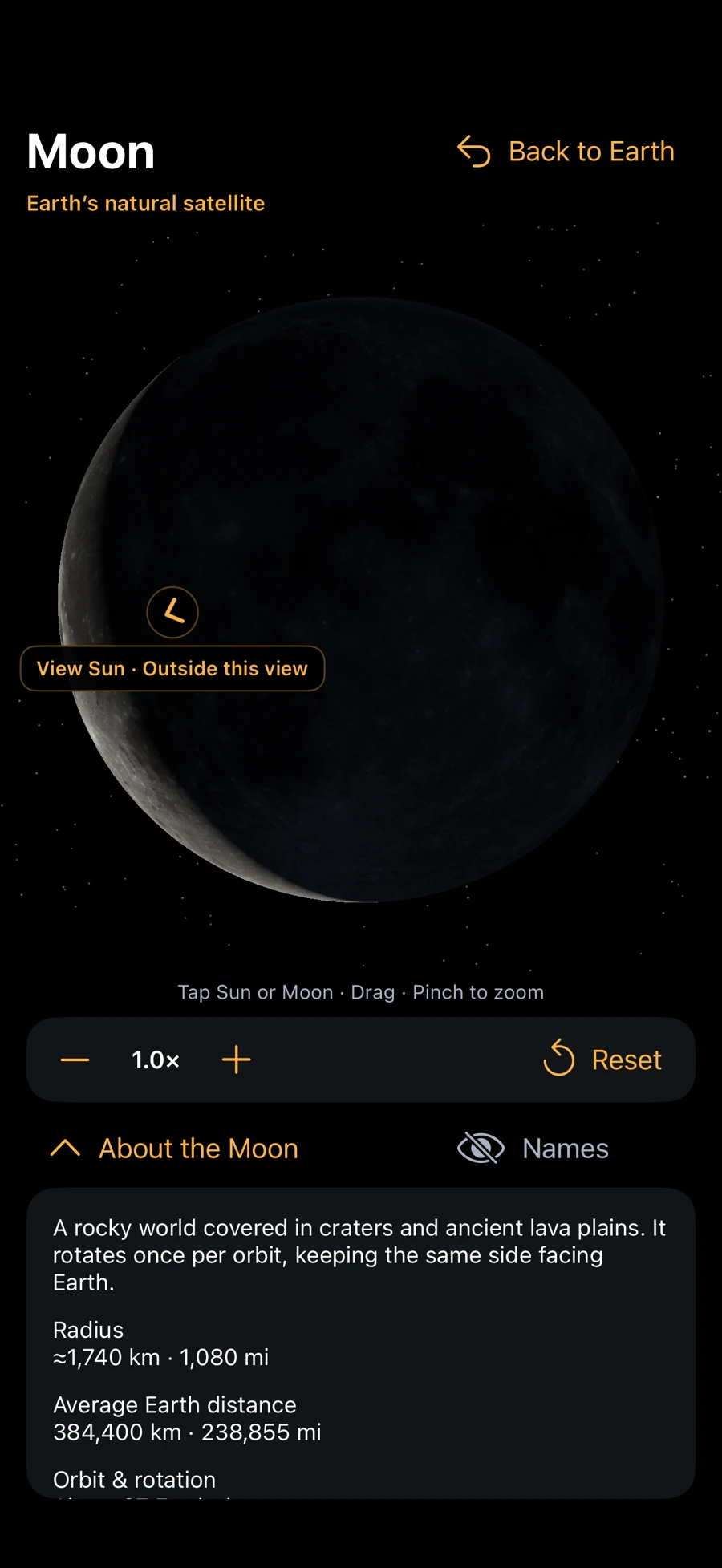
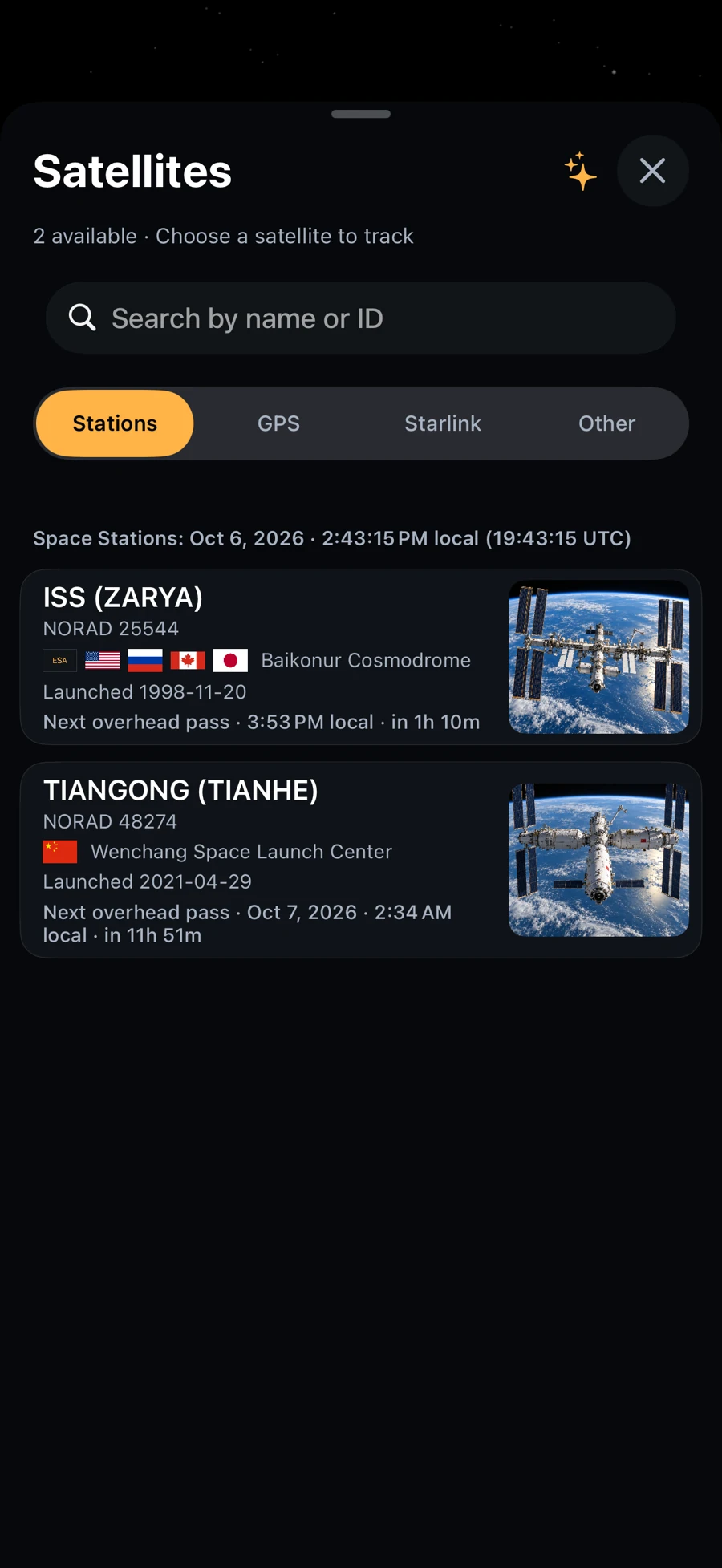
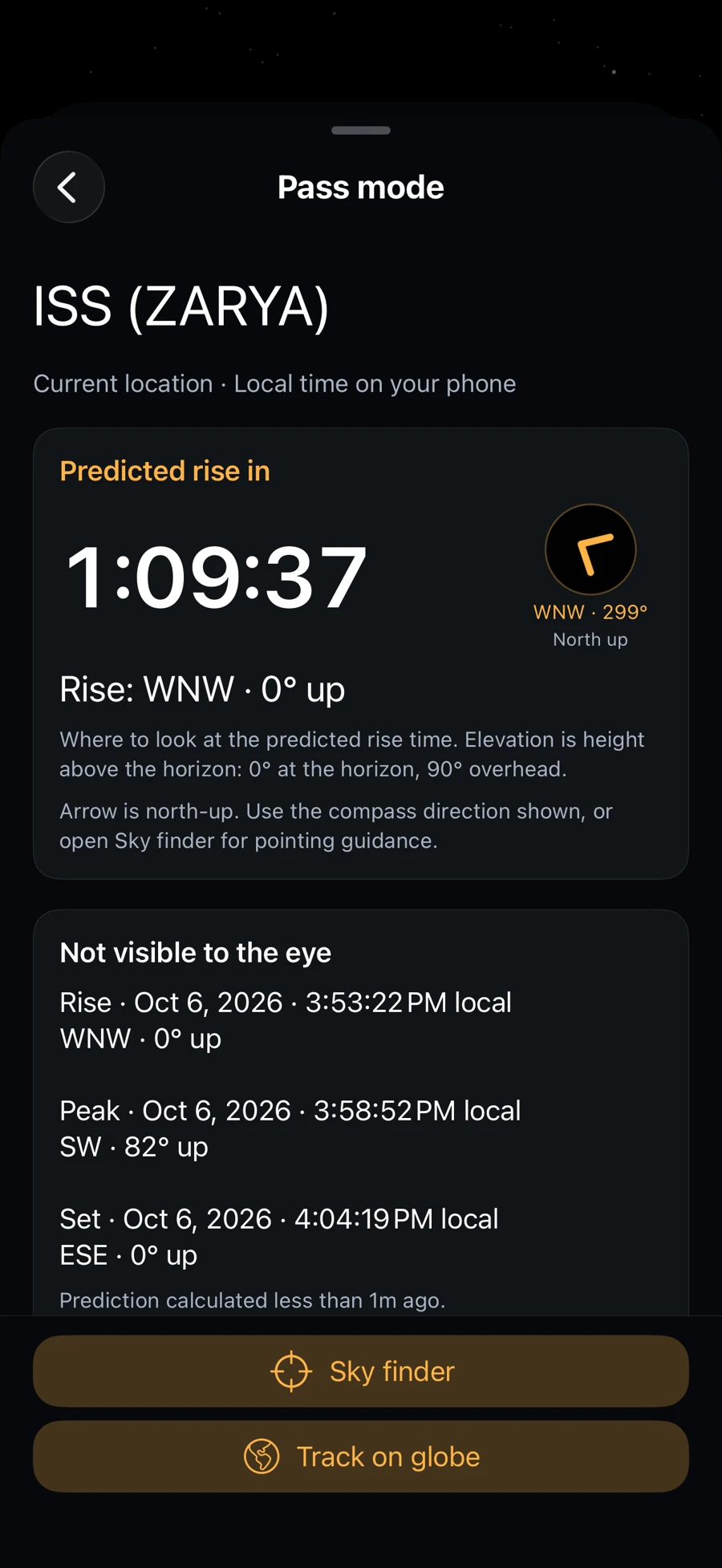
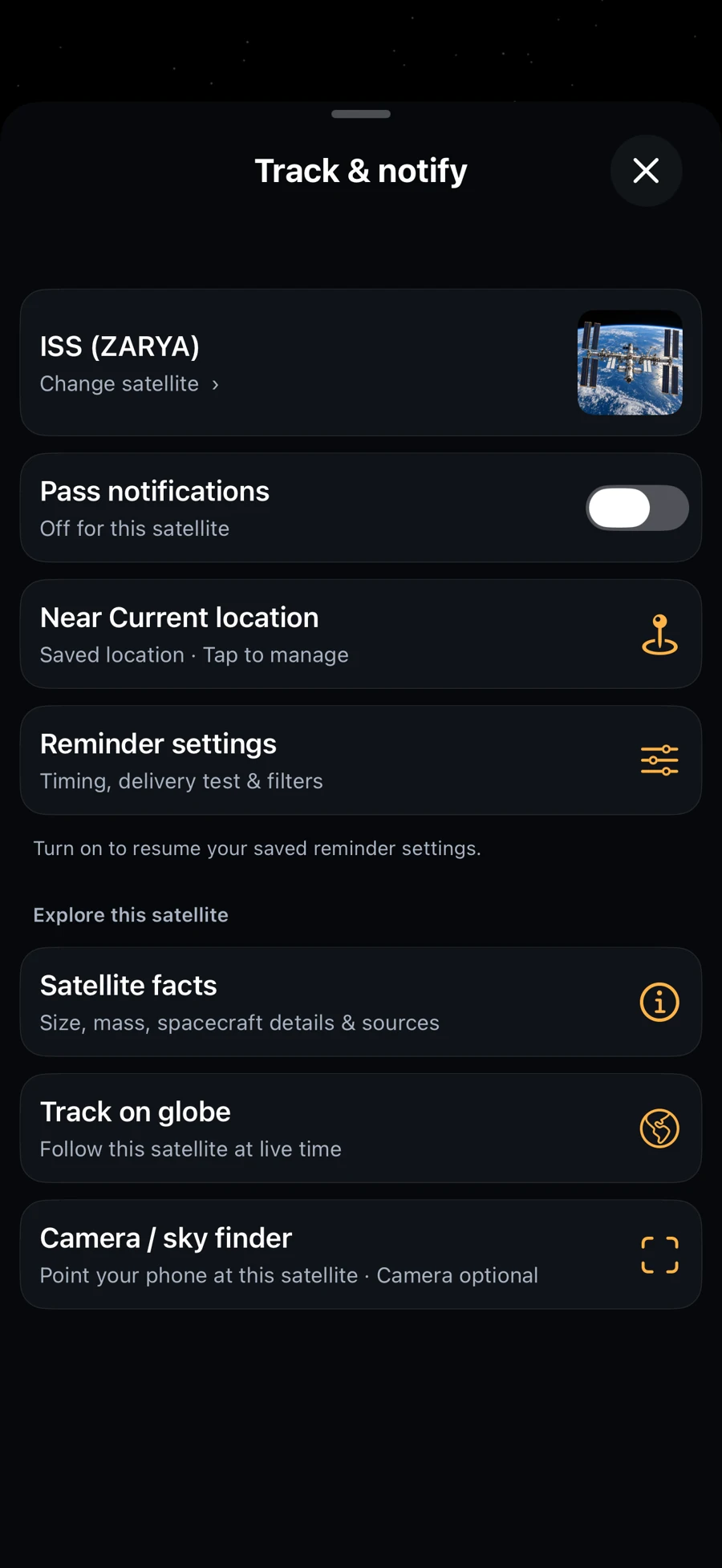
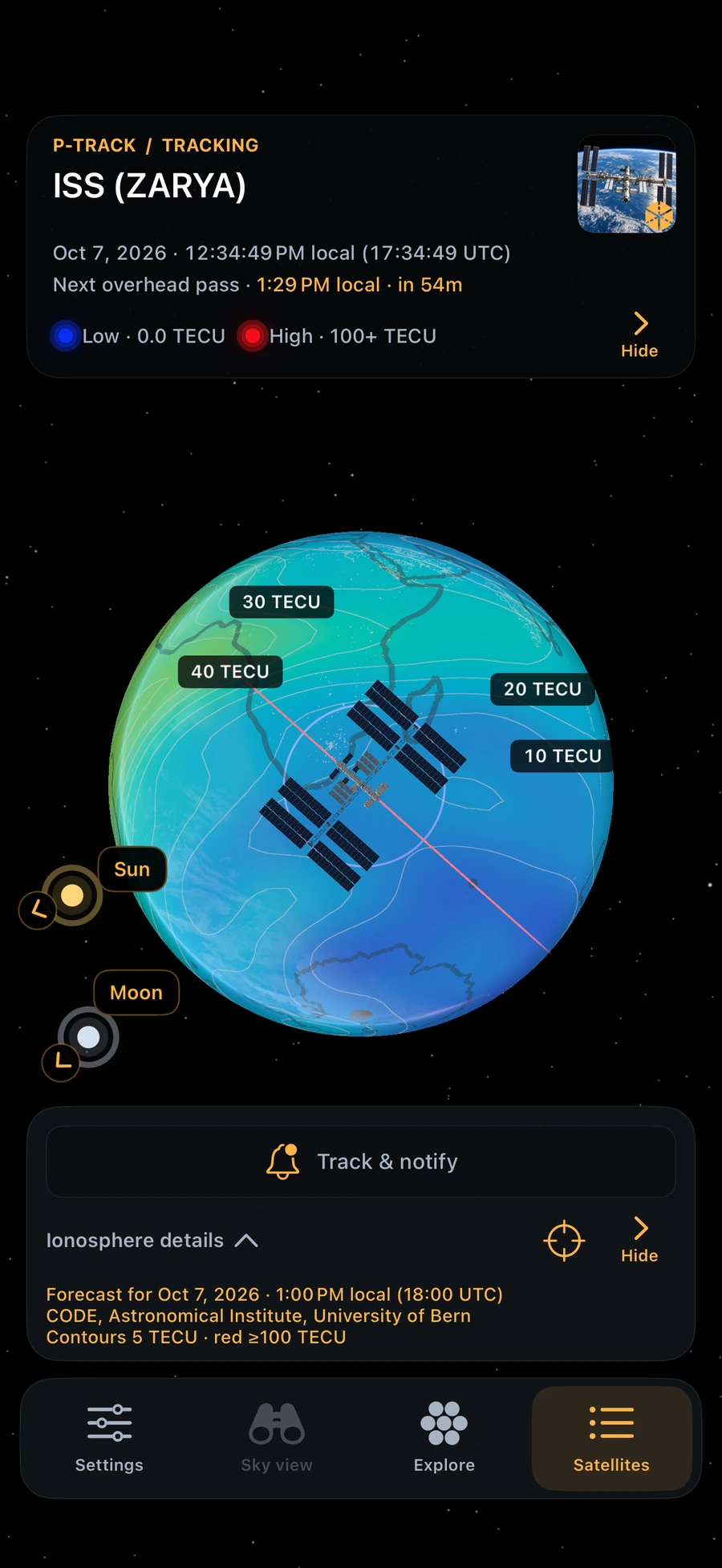
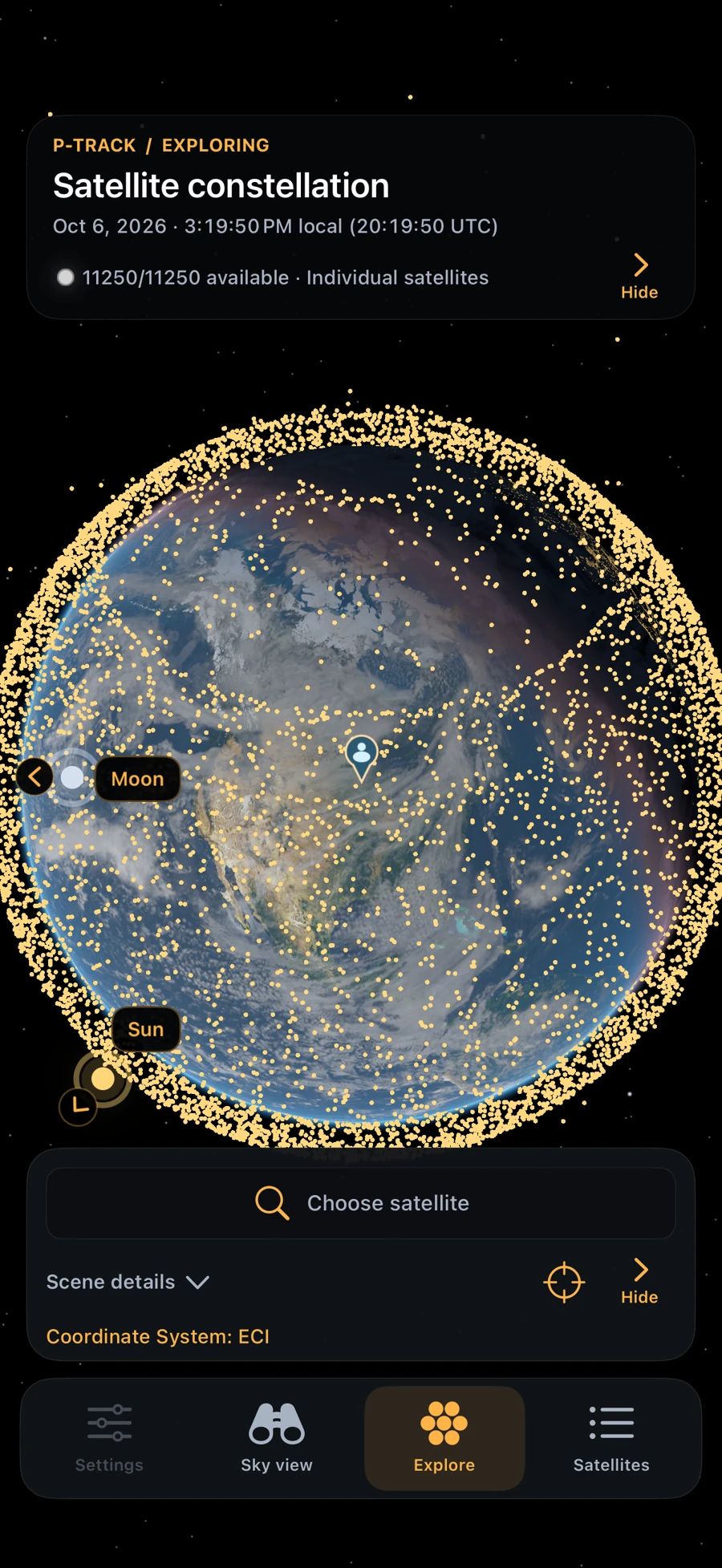
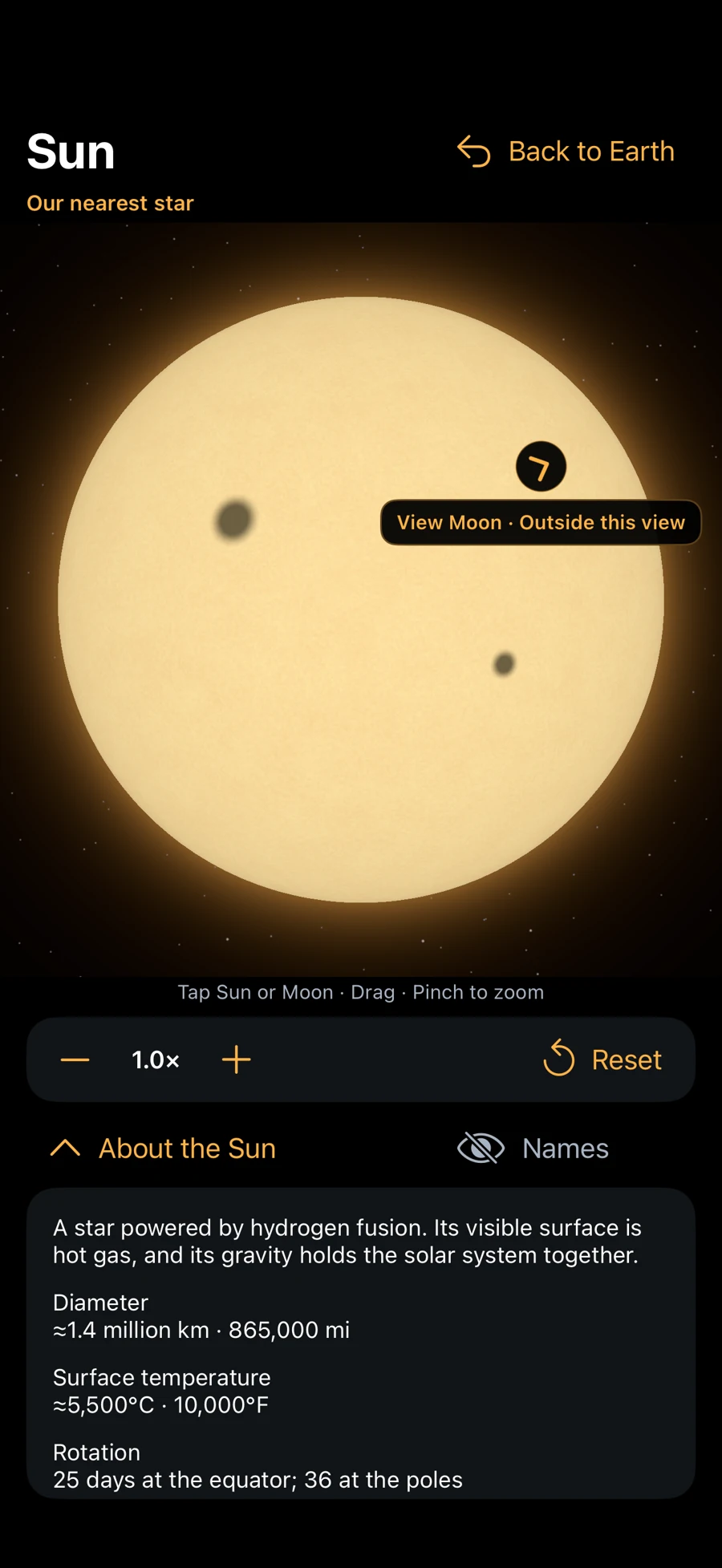
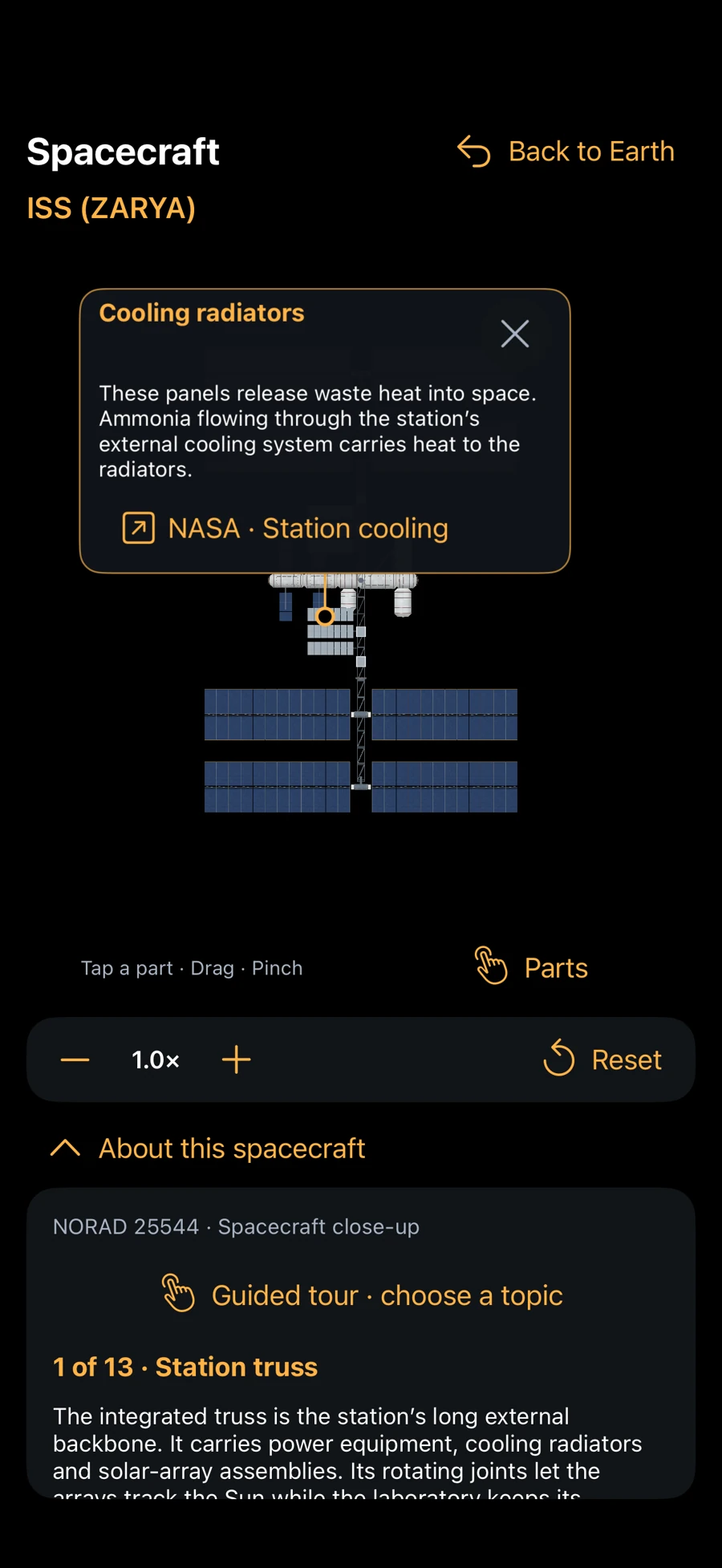
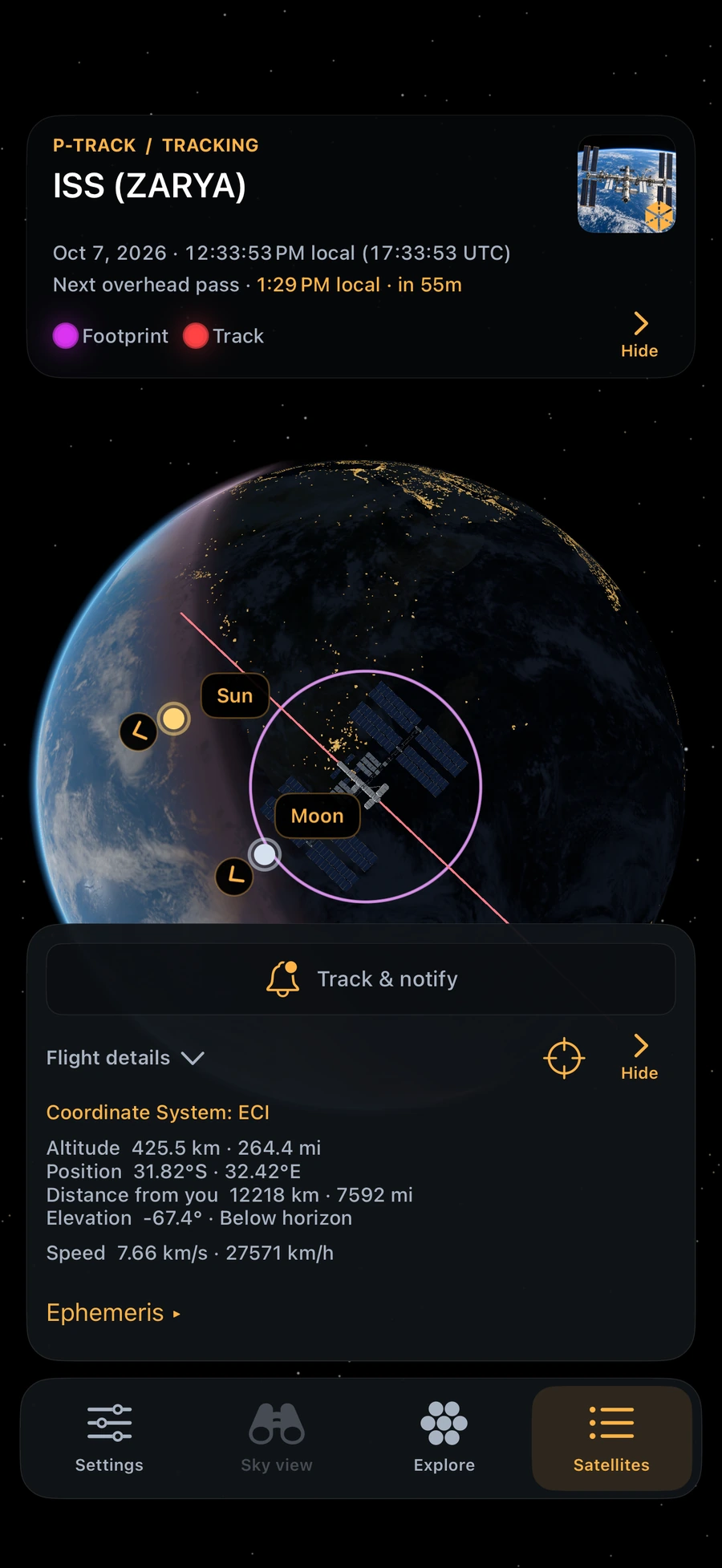
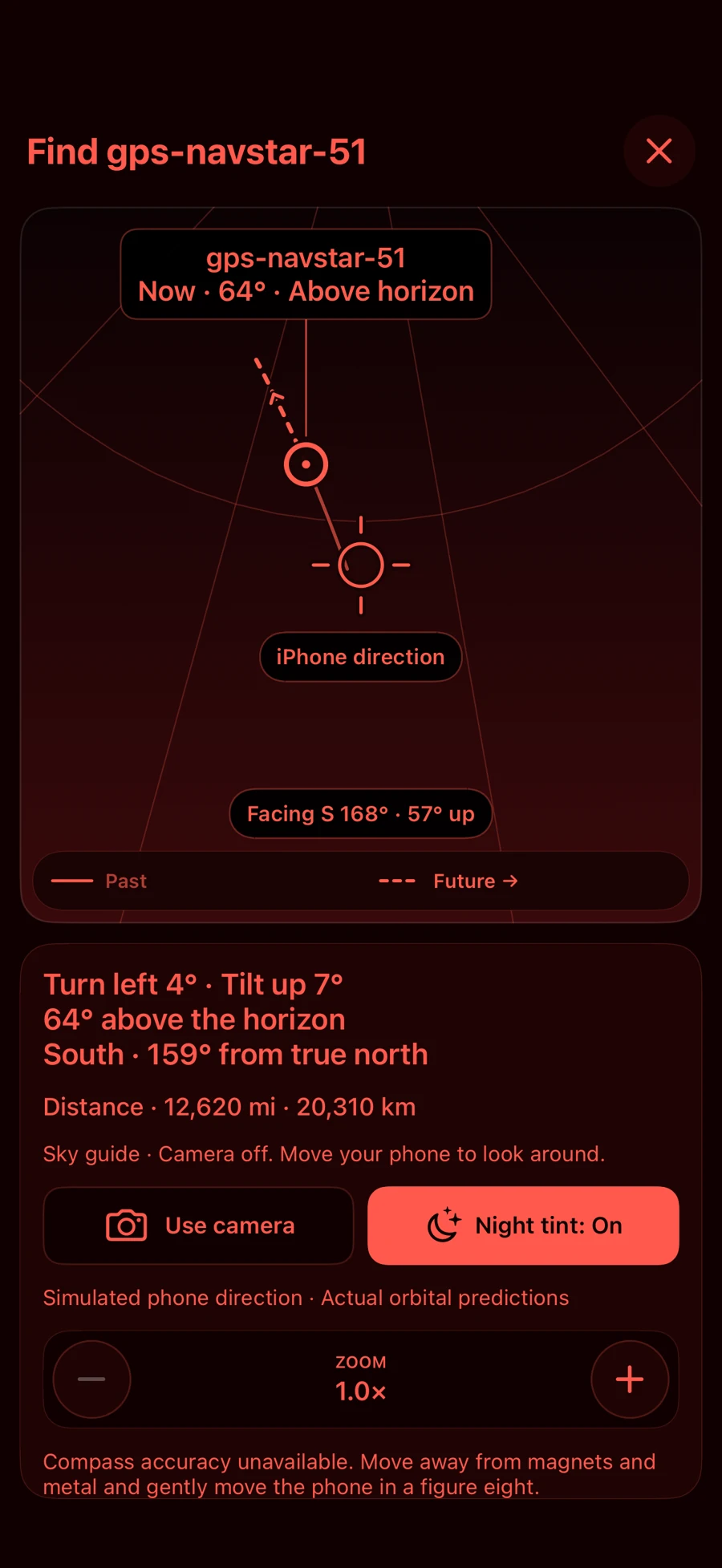
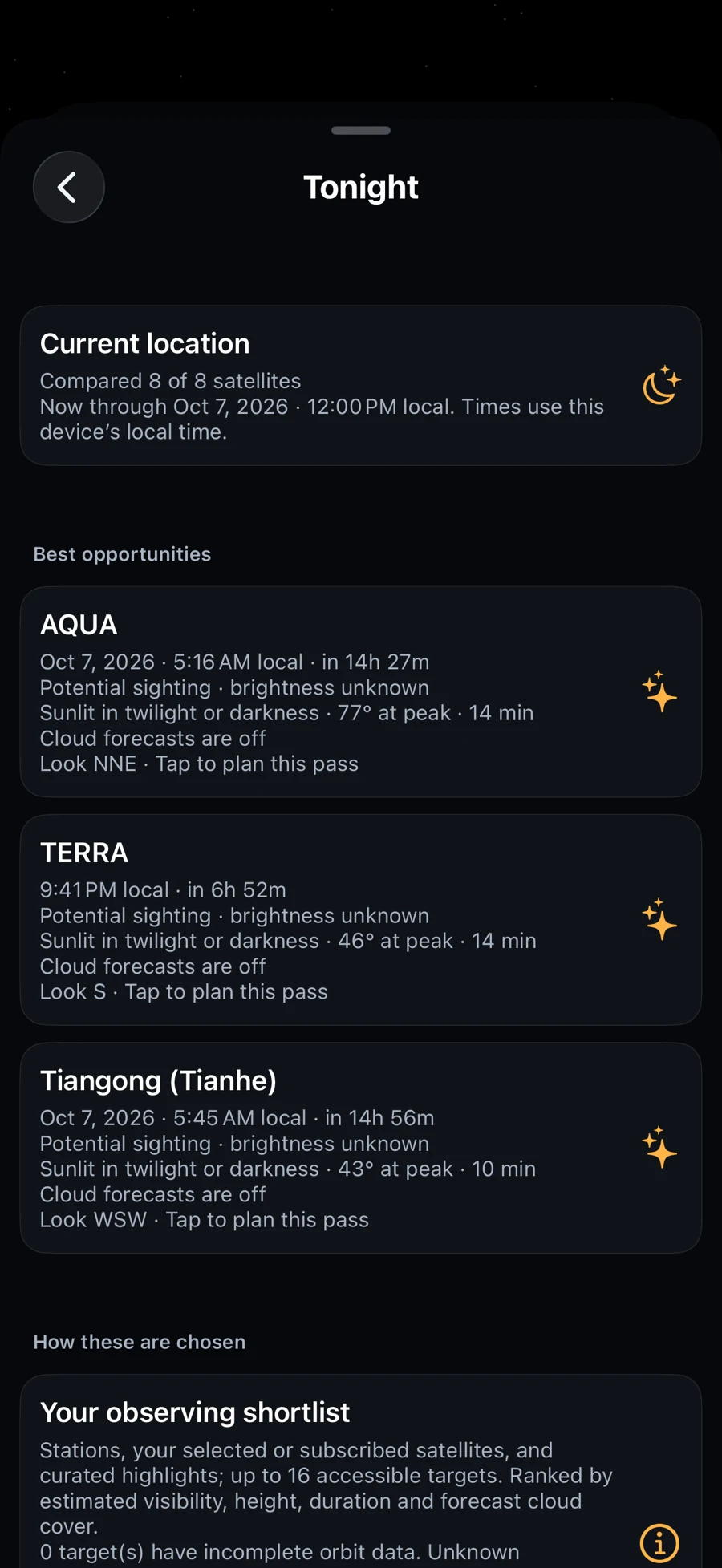
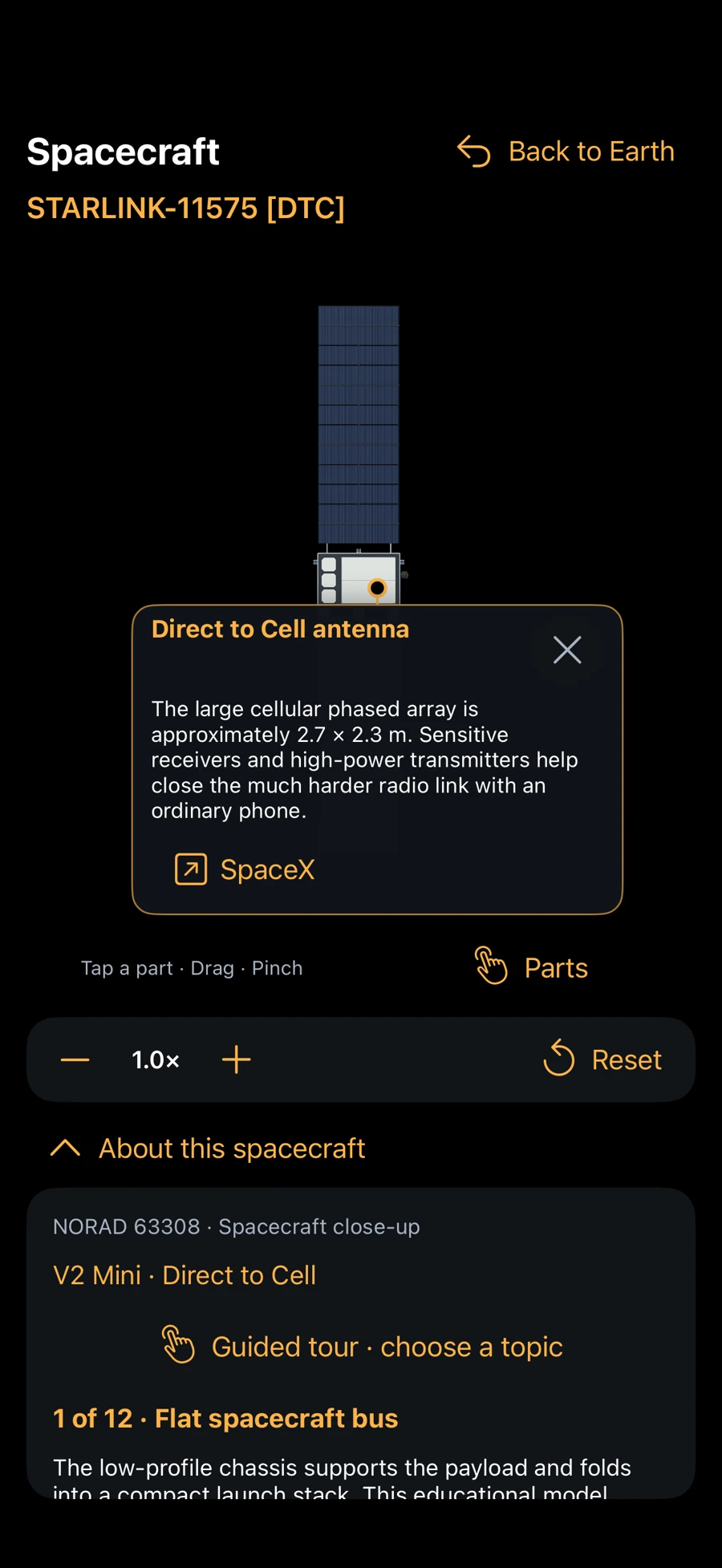
iPhone in landscape
More room for the scene, with compact controls along the edges.
iPad
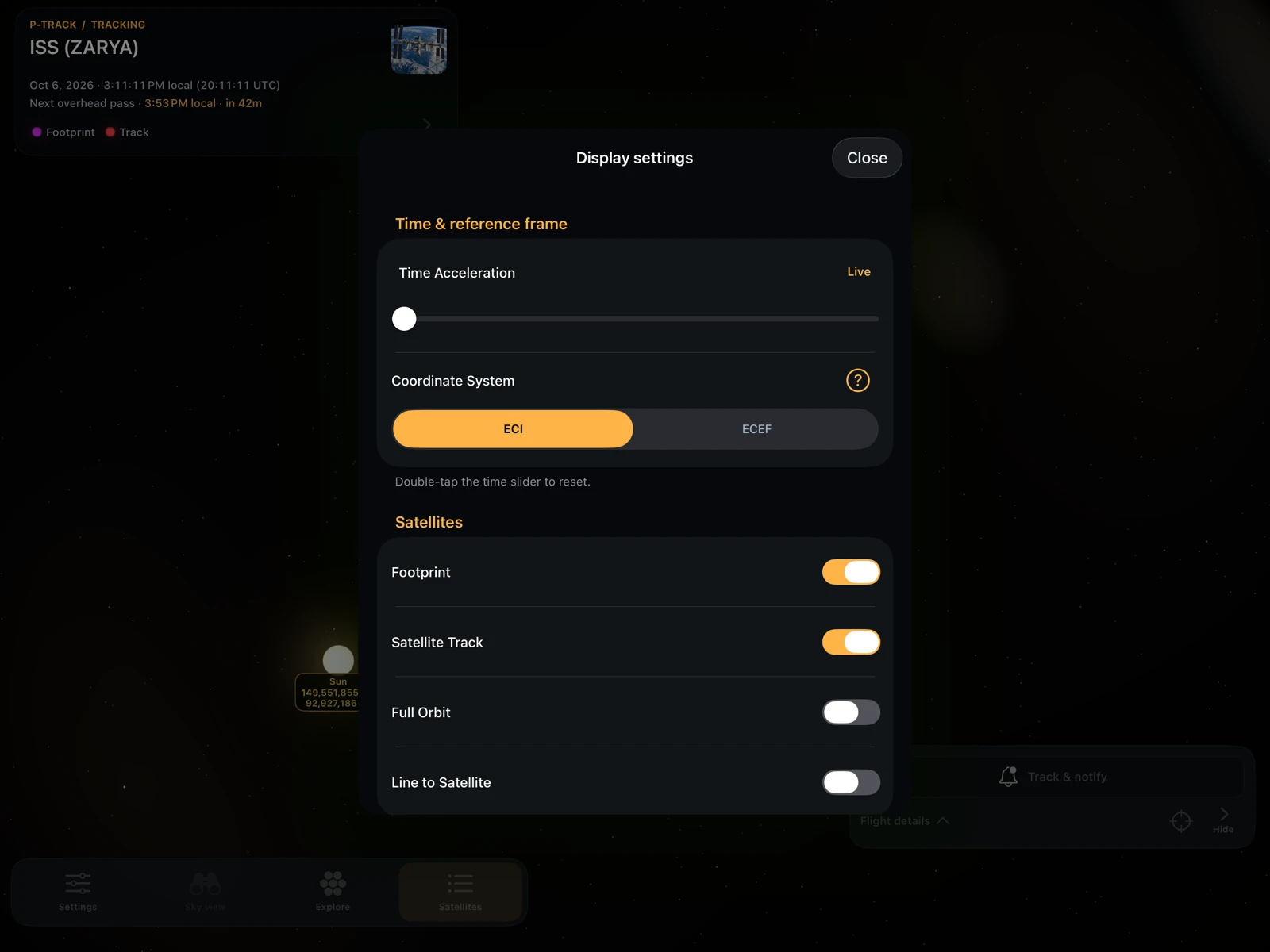
A larger globe, readable centered panels, and a radar with its satellite list alongside.
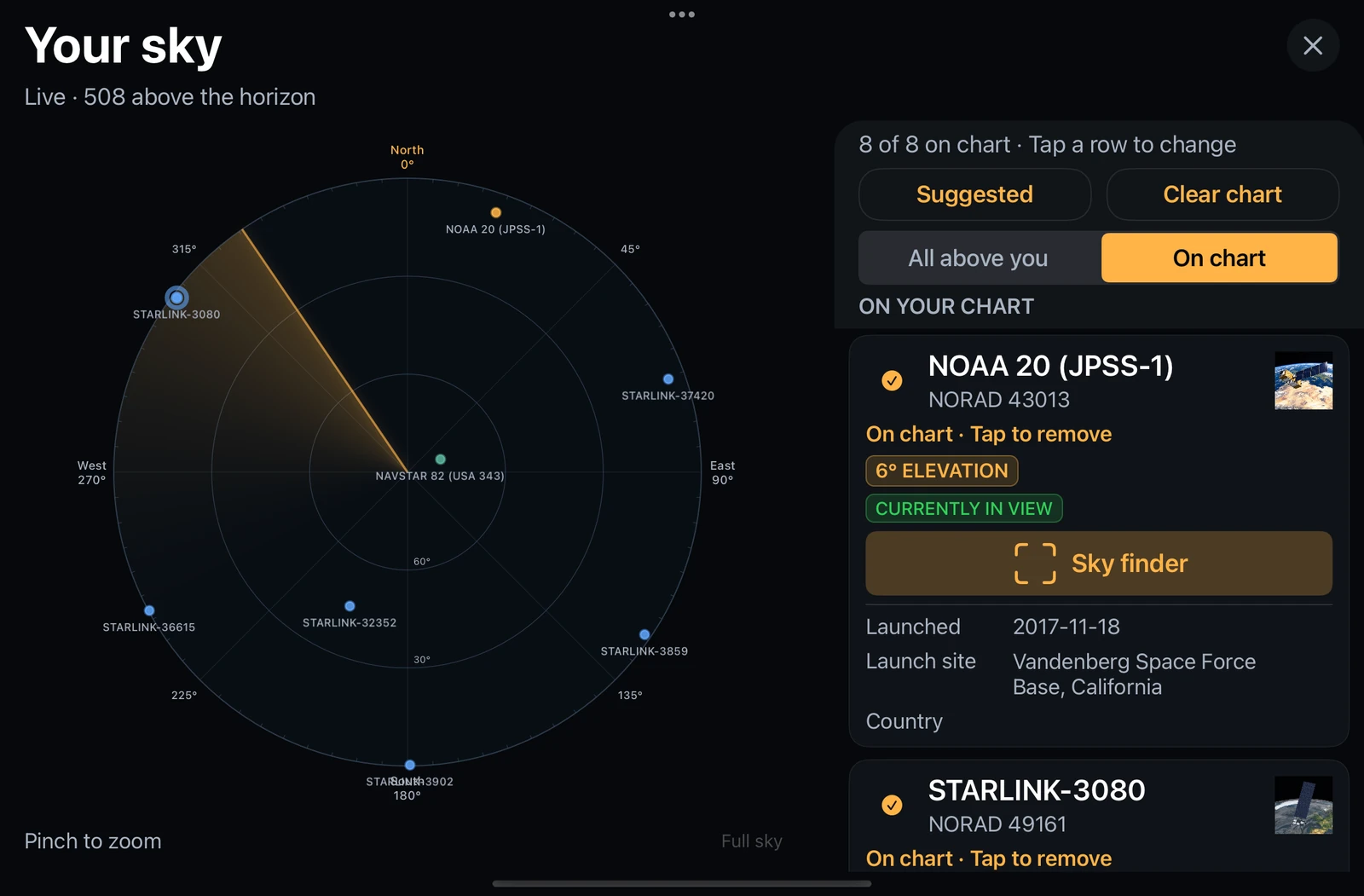
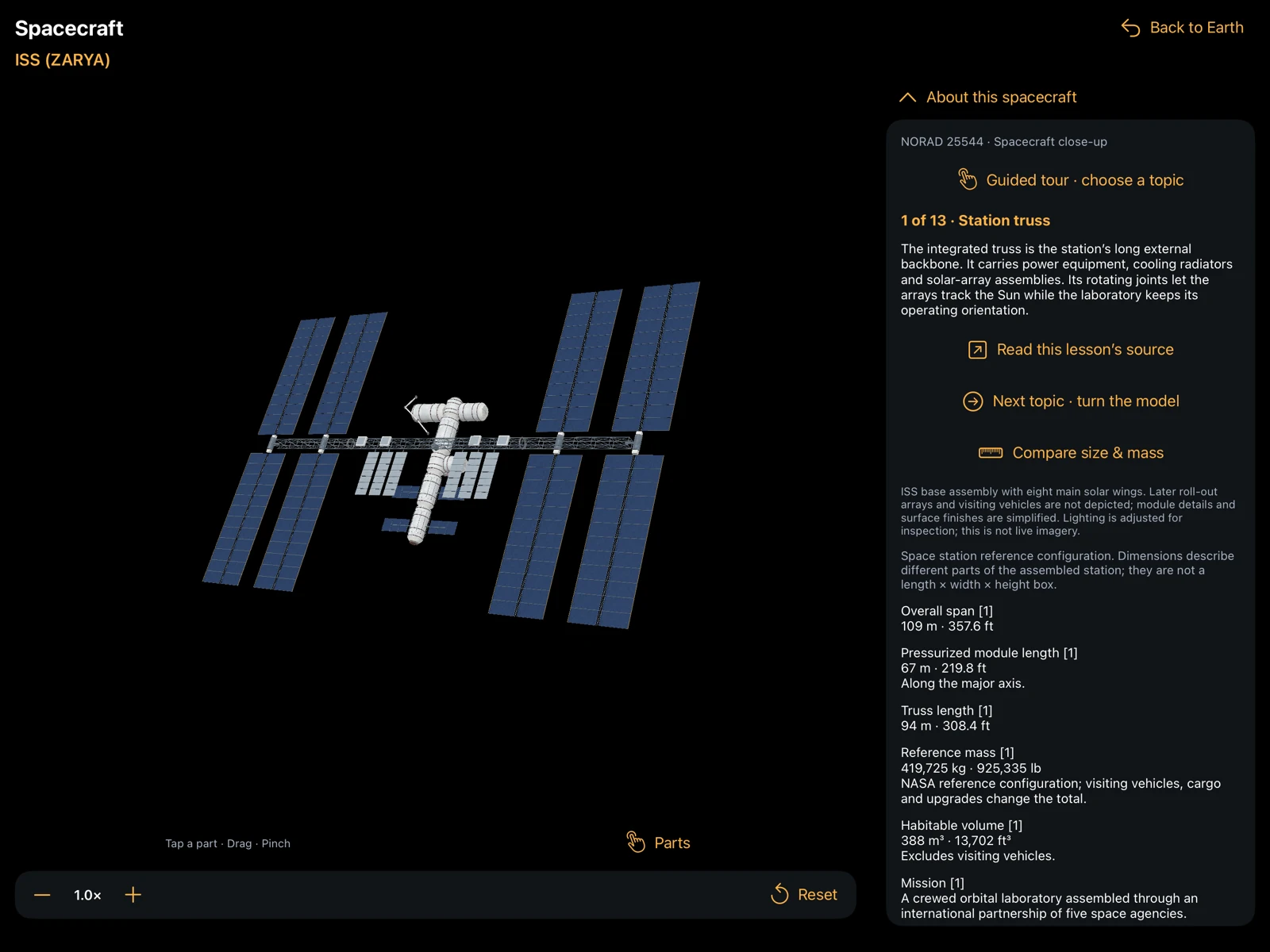
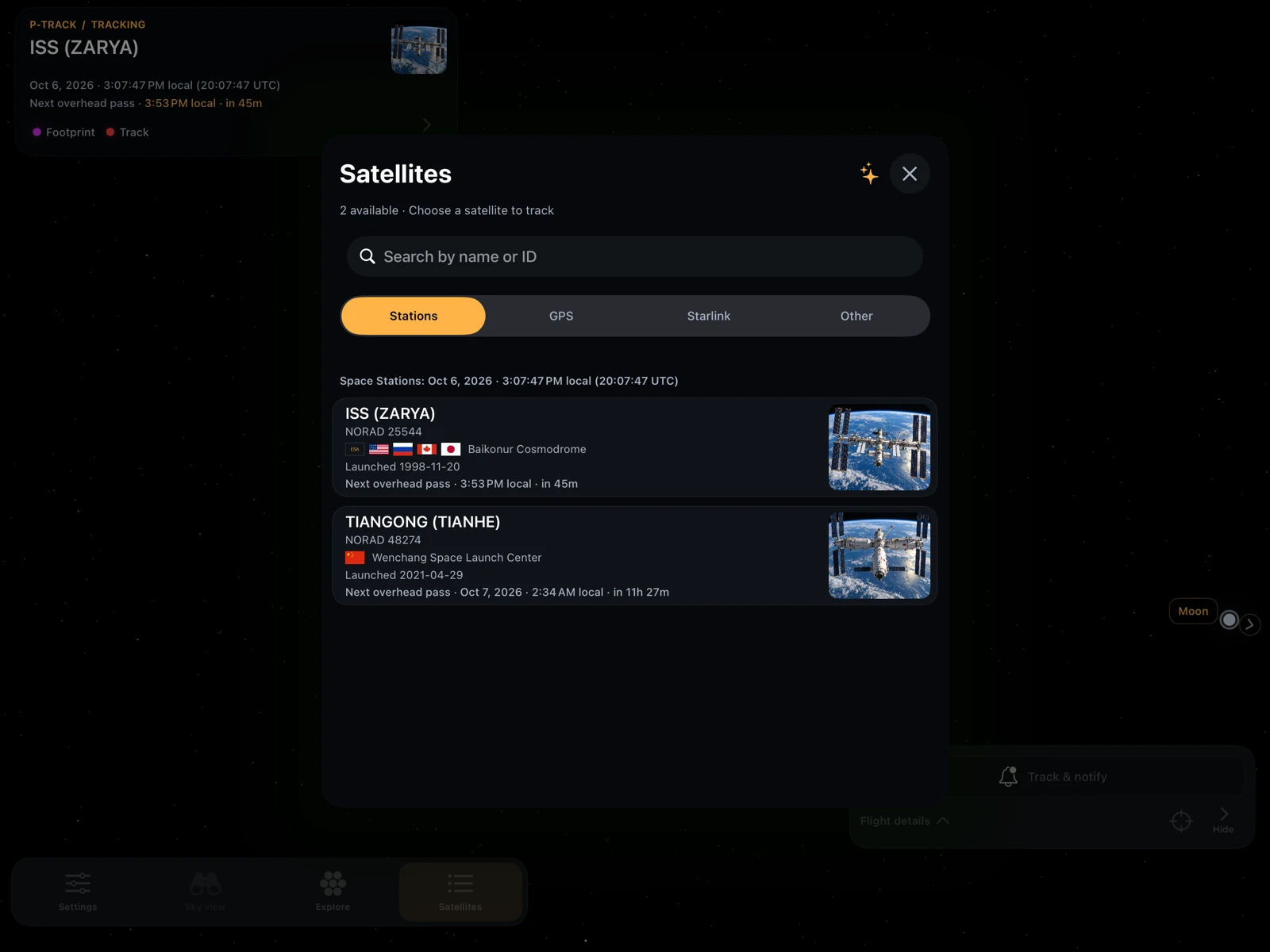
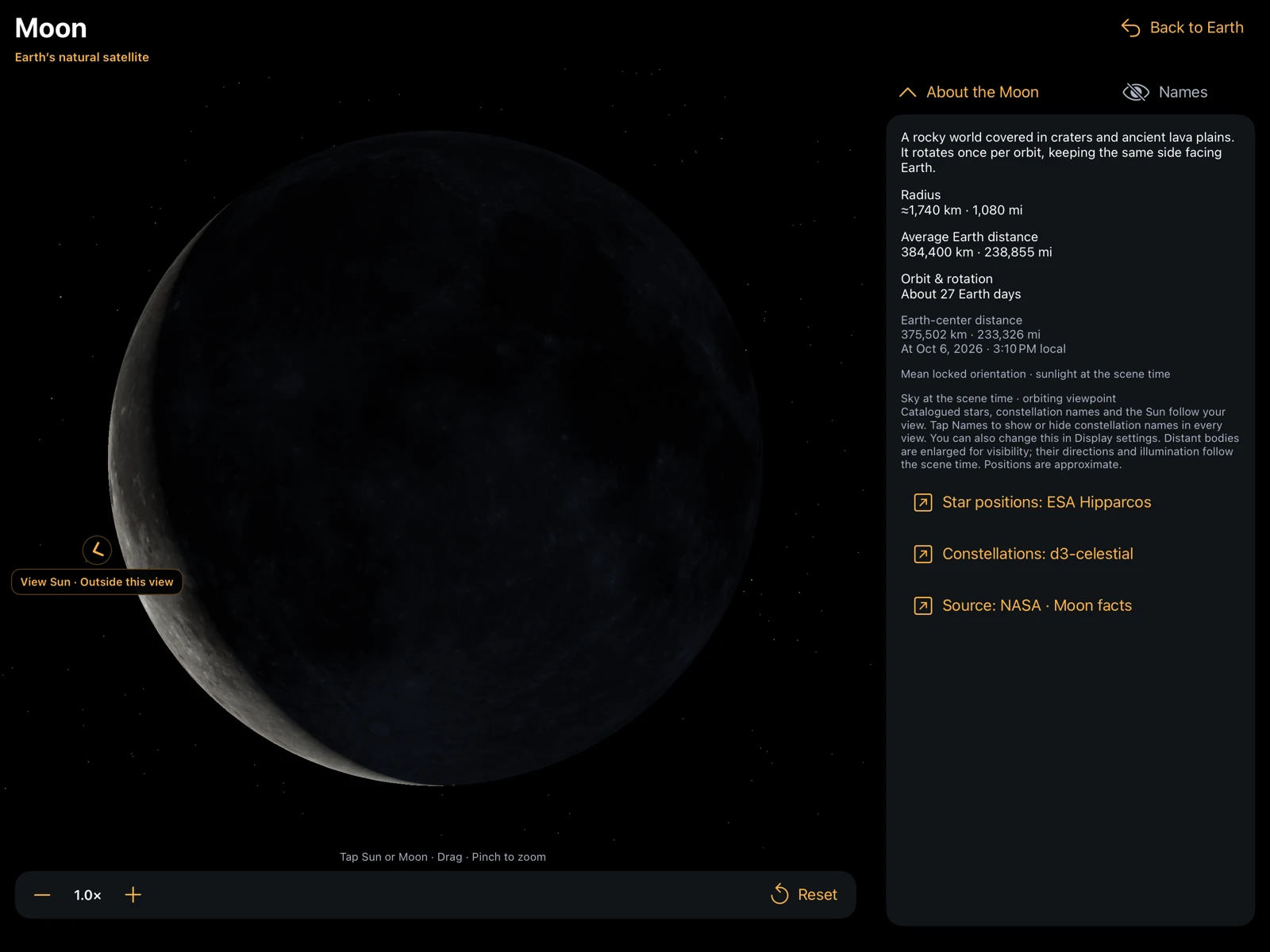
Apple Watch
Pass countdowns, direction guidance, cloud forecasts and reminder controls on your wrist.
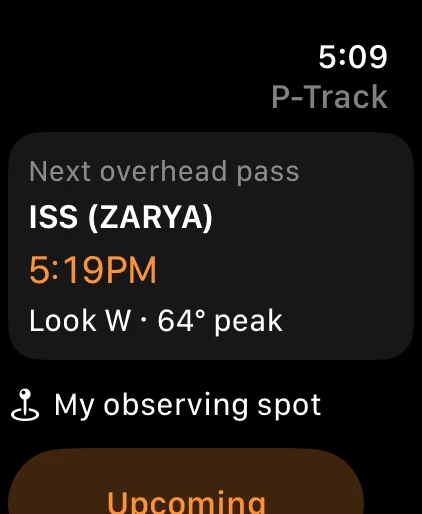
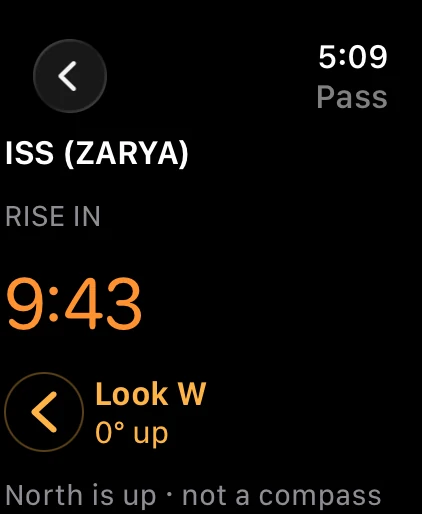
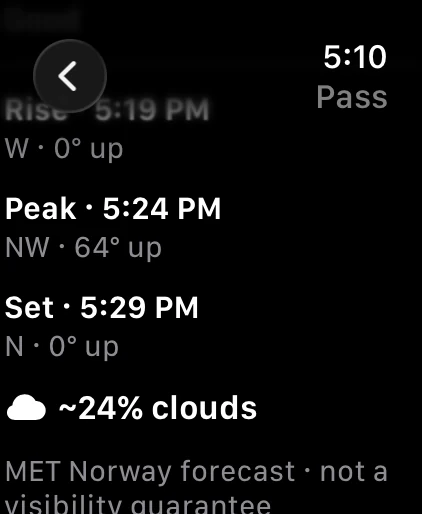
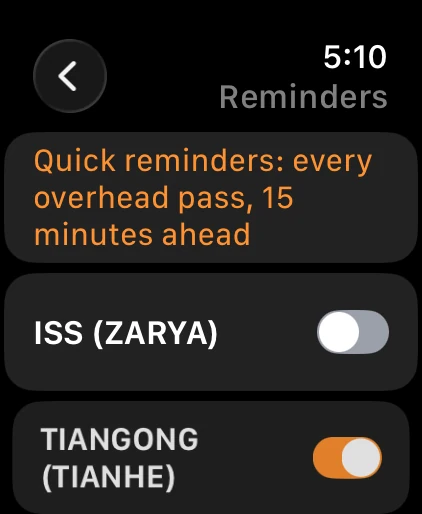
Screenshots show free and Pro features as labeled. iPhone and iPad use production orbital and ionosphere data with a simulated public observing location and pointing direction. Sky Finder is shown with its camera off. Apple Watch screens use representative pass and weather data. Forecasts, catalog coverage and available features depend on data and device support.
Three steps.
A new perspective.
New here? Follow the optional welcome guide, skip it anytime, or replay it from Settings.
Start with ISS or Tiangong.
Choose a free station from Satellites. Turn the globe, follow its track, and open flight details when you want more.
Check the pass and find your direction.
Use Observe for forecasts and viewing conditions. Open Sky View or Sky Finder to connect the satellite’s position with your local sky.
Set a reminder for next time.
Open Track & notify and enable pass reminders at your observing spot. Return there whenever you want to turn notifications off.
Start with the stations.
Go further with Pro.
Your station companion.
A complete observing experience for the International Space Station and Tiangong.
- 3D tracking, tracks, footprints and flight details
- Pass forecasts and viewing explanations
- Sky View radar and camera-optional Sky Finder
- Basic station reminders at one editable saved place
- Station widgets and Live Activities on supported devices
- Catalog browsing, welcome guide and night tint
More satellites. Your plans.
Extend the same tracking and observing tools to supported GPS, Starlink and curated Other satellites.
- Supported GPS, Starlink and curated Other tracking
- Radar, Sky Finder, pass forecasts and widgets for Pro targets
- Additional saved observing places
- Custom reminder time windows
- Estimated-brightness filters for reminders
- One Pro offering, with monthly or six-month billing
Pro uses optional App Store subscriptions. Both durations include the same Pro access. Prices and renewal terms are shown before purchase. Subscriptions renew automatically unless canceled in your Apple account settings. Restore Purchases is available. Disabling reminders remains available if Pro expires.
A little ground control.
What is P-Track?
P-Track Satellites Viewer is a satellite tracking and observing app made by ClassyBits L.L.C. It combines a 3D Earth, predicted satellite passes, reminders, and Sky Finder direction guidance on iPhone and iPad. The Apple Watch companion shows pass information synchronized from a paired iPhone.
Where can I download P-Track?
Download P-Track from the App Store in the United States and Canada. P-Track requires iOS 16 or later; the Apple Watch companion requires watchOS 10 or later and a paired iPhone. ISS and Tiangong observing is free, with optional Pro subscriptions.
What’s free, and what needs Pro?
ISS and Tiangong tracking, passes, radar and Sky Finder are free, along with basic reminders at one editable saved place and station widgets. Pro adds supported GPS, Starlink and curated Other observing, more saved places and advanced reminder filters. Browsing satellite information is free.
Can I track Starlink and GPS satellites?
Yes. P-Track Pro extends tracking, pass forecasts, radar, and Sky Finder to supported Starlink, GPS, and curated Other satellites. Catalog coverage depends on available orbital data; it does not include every object or guarantee that a satellite is visible to the naked eye. ISS and Tiangong observing is included free.
Does “in view” mean visible to my eyes?
Sky View lists supported satellites at or above your local horizon when current position data is available. That is a geometric position test. Seeing a satellite also depends on sunlight, brightness, weather and obstructions. “Next overhead pass” can include daylight passes; “Next visible passes” applies estimated viewing conditions. Unknown brightness is labeled. GPS satellites are primarily educational, radio or telescope targets.
Does Sky Finder need the camera?
No. The virtual sky works with the camera off. You can enable the camera inside Sky Finder for an approximate overlay. Compass interference can affect pointing; the app shows direction or accuracy warnings when needed. Camera frames are previewed only.
Which time zone do pass times use?
User-facing pass times follow your phone’s local time and are labeled “local.” Technical UTC clocks are labeled “UTC.” Relative countdowns and their accompanying clocks refer to the same instant. A saved place determines the pass geometry; custom reminder windows use that place’s selected time zone.
How do reminders work?
Use Track & notify to turn recurring reminders on or off for a satellite. Basic reminders cover every overhead pass, including daylight and low passes, 15 minutes ahead. More options lets you review saved places and detailed rules. Schedules are calculated locally for available forecast coverage, so open P-Track regularly to extend them. iOS controls notification delivery, widget refresh and Live Activity availability.
Does Apple Watch need the iPhone?
Yes. P-Track on Apple Watch is a companion to a paired iPhone, with pass countdowns, north-up directions, optional cloud forecasts and reminder controls. Cellular service on the Watch is not required. Open P-Track on both devices to synchronize; reminder changes need the iPhone to be reachable. Cached passes remain available offline until they become stale. The Watch does not calculate independent predictions or act as a wrist compass.
How do cloud forecasts work?
Turn on Cloud cover in notifications in Pass reminders to request forecasts from MET Norway through P-Track’s weather service. Approximate observing coordinates are shared only when you enable weather. Forecasts describe conditions near the pass peak; they may be unavailable or out of date and never cancel a reminder. You can turn weather off without disabling satellite alerts.
Does P-Track include every satellite?
No. The supported catalog includes the ISS, Tiangong, GPS, Starlink and curated Other satellites. Catalog membership and forecast coverage depend on the data source. Launch information is shown where available.
Does P-Track need internet?
Internet is needed to download fresh orbital and ionosphere data. A limited local cache can remain available during a service outage, and the app indicates stale, missing or limited coverage. Predictions and saved observing places stay on your device.
How do I restore or cancel Pro?
Choose Restore Purchases from plan selection using the Apple account that purchased Pro. Manage or cancel subscriptions in iPhone Settings under your Apple account’s Subscriptions. Deleting the app does not cancel a subscription.
Where can I get help?
Read the P-Track guide and support page, check service status, or email support@ptrackapp.com. P-Track is for education and exploration; its estimates are not for navigation or safety-critical decisions.
Your next pass starts here.
Explore the planet. Follow a station. Find your place in the sky.
P-Track for iPhone and iPad, with an Apple Watch companion